

The hearing moved. Your assistant updated Outlook, but the preparation tasks still point to the old date. Meanwhile, a court notice sits in a shared inbox, and nobody can tell whether the docketing clerk reviewed it. You don't need another calendar. You need clear ownership of the dates already on it.
A missed deadline costs more than a bad afternoon. Yet firms can start a software search with a polished demo instead of the failure they need to prevent. A billing platform won't necessarily calculate court deadlines. A rules calculator won't necessarily retrieve docket notices. And neither automatically gives your team a complete matter record.
The best products for lawyers solve a defined operational job. For multi-state litigation, that may mean court-rule calculations and docket monitoring. For family law, it may mean repeatable matter tasks and controlled document access. A small general practice may need billing and trust accounting before anything else.
Keep adjacent tools in their place, too. Closer Innovation Labs Corp. eSignatures belongs in a document-signing evaluation, not as a substitute for deadline control.
The products below serve different jobs. Test the job you need, then examine the subscription, implementation work, and limits behind it.
1. MatterAlert
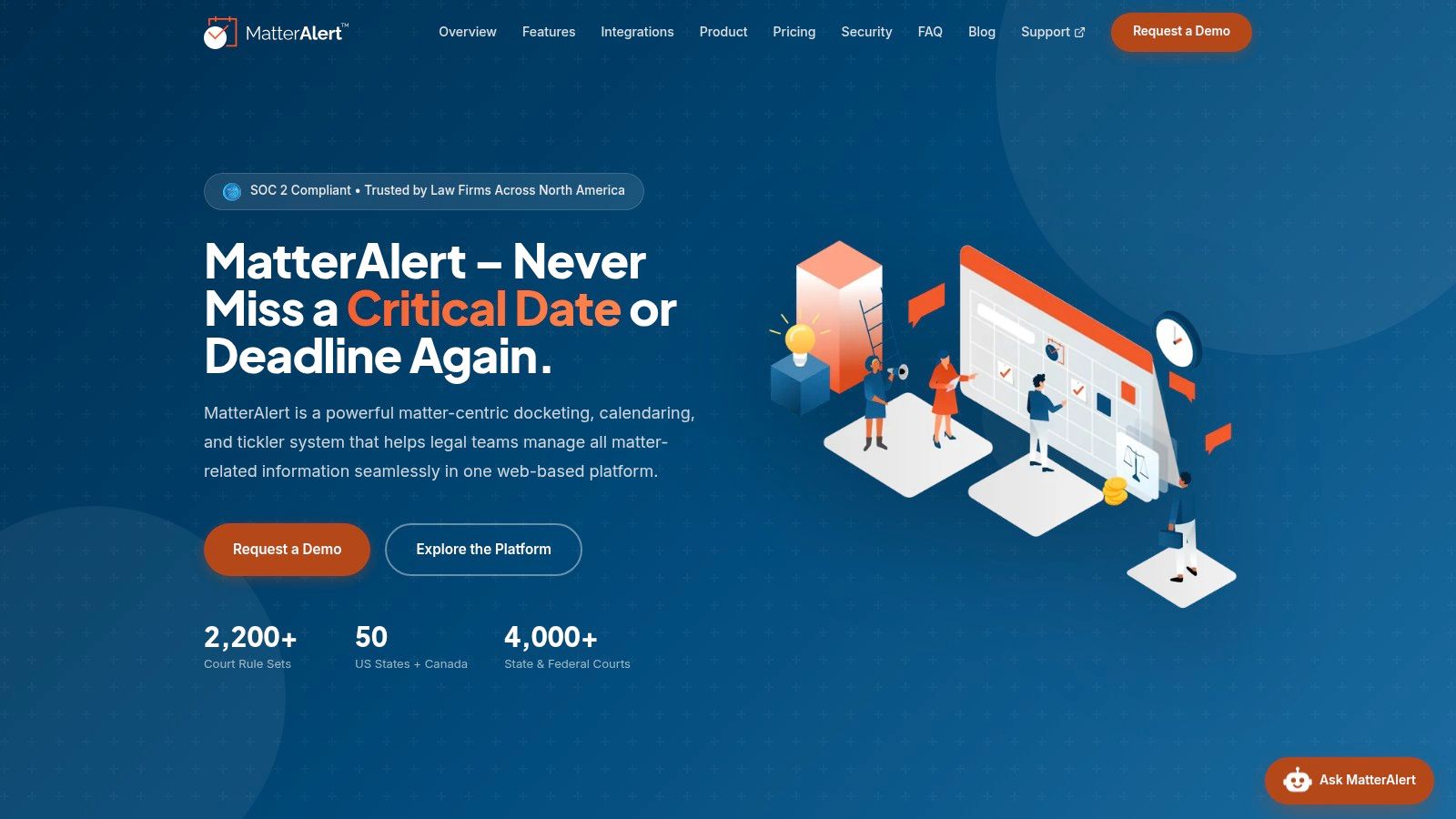
A filing notice can arrive before the team has updated its calendar. MatterAlert brings docket information, deadlines, tasks, documents, and calendar coordination into a shared matter workspace. PaayaTech Inc. provides the web-based legal docketing and calendaring platform to law firms across North America.
CalendarRules calculates deadlines from trigger dates using more than 2,200 court rule sets across the United States and Canada. PACER and UniCourt provide docket access and notices as separate functions. Coverage varies by court and jurisdiction, particularly in Canada, so confirm the specific courts and rules your practice needs.
What Works and What Needs Testing
Matter templates can generate tasks, events, and documents for litigation, intellectual property, family law, or client-specific workflows. Assistants can manage attorney calendars, maintain their own calendars, delegate time entry, and create, modify, or assign tasks. If an attorney leaves, a docketing manager can reassign events, appointments, and tasks across one or more matters, with changes syncing to subscriber calendars.
- Calendar coordination. Matter events sync to Outlook, with changes reflected within one minute. Browser access requires no desktop installation or Outlook add-in.
- Existing systems. Integrations include Microsoft 365, Teams, iManage, NetDocuments, Thomson Reuters Elite 3E, and Aderant.
- Controls. Role-based access, ethical walls, audit logs, Microsoft 365 single sign-on, and SOC 2 compliance support administration.
- Optional features. CalendarRules, Court Docketing & PACER, and AI Features are add-ons. Confirm the combination your firm needs and how onboarding will be configured during a demo.
Licensing covers users who access MatterAlert or receive calendar synchronization, including attorneys, law clerks, assistants, and administrative staff. Passive calendar-invite recipients do not need an application license.
Deadline control: Automated calculations and docket feeds support review. Staff still need to read notices, check the governing rules, and assign responsibility.
2. Clio Manage
Choose Clio Manage when the main problem is fragmented practice administration. It combines matters, contacts, documents, tasks, calendars, timekeeping, billing, payments, and client communication. That makes it a broader operational choice than a dedicated docketing calculator.
The Clio Manage website provides the starting point for comparing subscriptions and trial options. Court-rules calendaring isn't available on every tier, and additional jurisdictions may cost extra. Don't treat a calendar shown during a demo as proof that your required court rules are included.
Evaluate the Whole Matter Cycle
Start with intake information and carry it through matter opening, time entry, invoicing, and client communication. Then test Outlook or Google Calendar synchronization. Have the assistant who maintains the calendar perform the changes, rather than letting a salesperson demonstrate only an attorney's view.
- Strong point. A broad feature set and integration ecosystem can reduce separate systems and duplicate entry.
- Trade-off. Optional products and payment-processing fees can increase the cost beyond the base subscription.
- Implementation test. Confirm where the authoritative matter name, contact record, and deadline live when connected systems disagree.
A useful law firm software comparison should separate practice administration from specialist deadline control. Clio may be the right central platform without being the only tool a litigation team needs.
For a solo practice, breadth can become overhead. Buy the functions staff will use, not the longest feature list.
3. MyCase
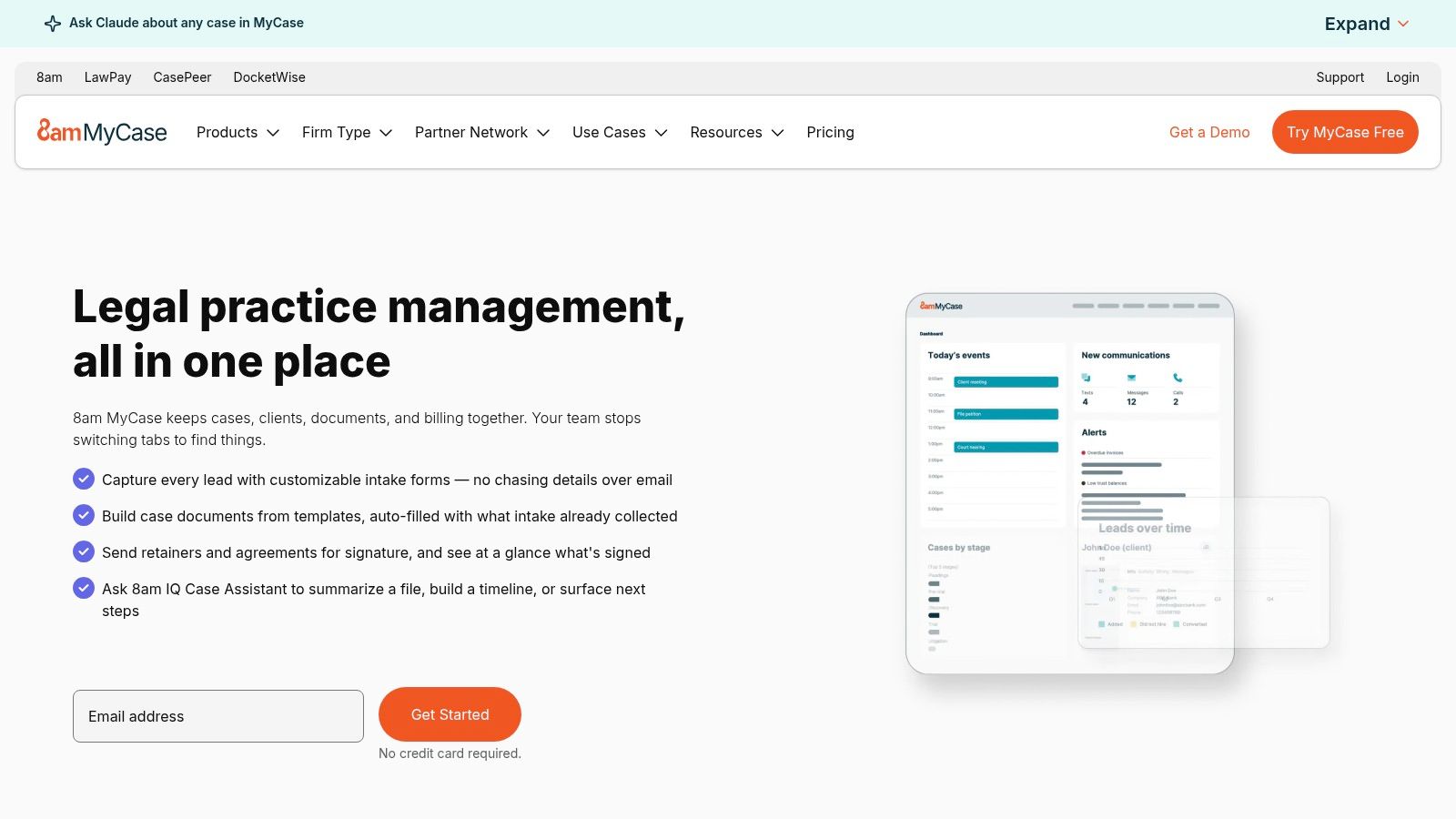
Say a family-law assistant needs the client's documents, an unpaid invoice, and the next hearing date. MyCase is worth evaluating when those records belong in a common working environment. Its case-management tools combine contacts, time entry, invoicing, documents, trust accounting, and client communication.
MyCase publishes subscription plans, making tier comparisons easier. Higher plans add capabilities such as workflows, document generation, e-signatures, intake forms, texting, and legal CRM tools. Court-rules calendaring also needs a separate coverage and subscription check.
The practical benefit is less movement between client communication and matter administration. But that only helps if the team keeps the shared record current.
Test the Work Your Staff Actually Does
Run a matter-opening exercise with incomplete client information. Upload documents, send a portal message, record time, and prepare an invoice. Then repeat the critical steps on the devices your attorneys use away from the office.
- Integration fit. Review Microsoft Office, Outlook, QuickBooks, and LawToolBox connections against your existing workflow.
- Budget limit. Advanced automation, optional accounting, and payment services can change the total cost.
- Rollout advantage. Trial access and guided onboarding provide room to test before committing.
Don't judge client communication by whether a message sends successfully. Check whether staff can locate the exchange later and connect it to the correct matter. That's the record they'll need when instructions become disputed.
4. PracticePanther
PracticePanther's operational appeal is repeatable matter work. It combines matter records, document templates, tasks, events, billing, payments, and client-facing functions. Firms with recurring case processes should examine how well those pieces fit their actual handoffs.
The PracticePanther website publishes plan details. Higher tiers add capabilities including custom fields, security roles, texting, intake forms, e-signatures, and LEDES billing. Business Pro includes trust and operating accounting features.
Start with a recurring process, such as opening a civil-litigation file. Assign the conflict-check task, collect missing documents, create the initial calendar events, and identify who reviews completion.
A workflow isn't finished when the software creates tasks. It's finished when staff know who owns each task and what happens when it's overdue.
Where the Trade-Off Appears
PracticePanther can help standardize work without requiring every matter to follow the same path. Daily agenda emails, notifications, and configurable tasks are useful only if the team avoids creating competing reminder systems.
- Good fit. Firms that want practice administration and recurring workflows in a common platform.
- Cost pressure. More complete billing and accounting capabilities sit on more expensive plans, and per-user subscriptions grow with staffing.
- Docketing limit. Multi-jurisdiction litigators should verify court-rule coverage rather than assuming general calendaring includes it.
During evaluation, change the responsible attorney midway through a matter. Check task ownership, calendar visibility, and client communications. A clean opening process won't compensate for a confused handoff.
5. Smokeball

Time capture is a different buying problem from deadline calculation. Smokeball deserves attention when document-heavy casework and timekeeping need a closer connection. Its platform combines matters, documents, calendars, billing, and workflow tools.
Smokeball offers different plans and deployment options, including browser use and desktop applications. Automatic time capture is included in some plans or available as an add-on. Intake, workflows, legal templates, and optional AI-related tools also depend on the package.
Don't accept a demonstration that blurs browser and desktop functionality. Ask the salesperson to perform the same document task in the environment your staff will use.
Review Captured Time Before Billing
Automatic capture should create material for review, not an unquestioned invoice. Test how a timekeeper identifies the correct matter, removes irrelevant activity, and converts useful records into billable entries.
- Strength. Casework, documents, and billing can sit close together in a legal-specific platform.
- Deployment question. Confirm which features require desktop applications and which work through a browser.
- Commercial limit. Pricing is quote-based and depends on users, plan, contract, and add-ons. Migration services may cost extra.
Onboarding, training, and data-migration options are available. Give migration its own acceptance test: matter names, document locations, calendar entries, and billing records should remain understandable after transfer.
For a firm seeking only rules-based dates, Smokeball may be a larger purchase than necessary. For a practice rebuilding document and billing routines together, that broader scope may be useful.
6. LawToolBox
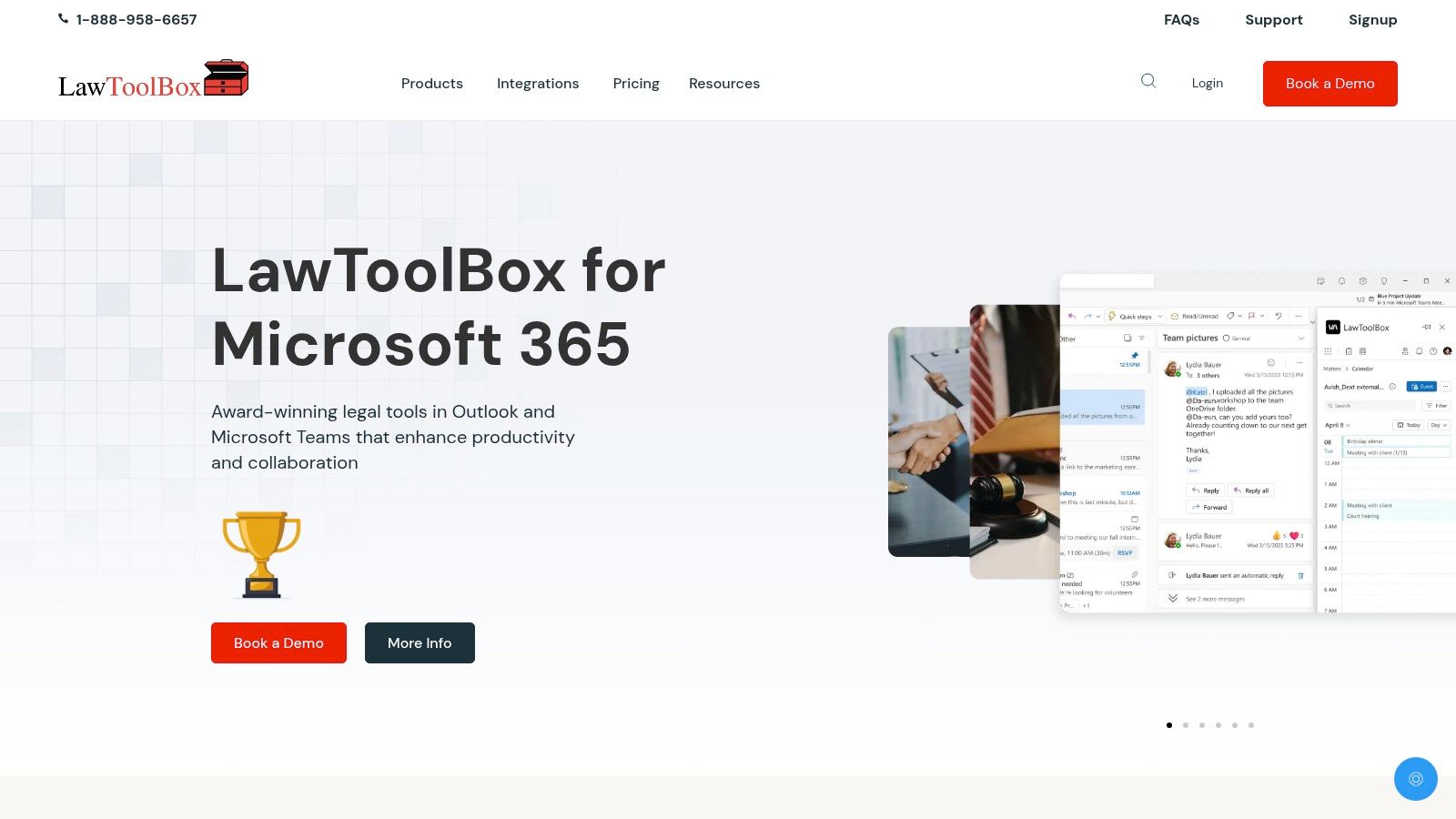
A firm already working in Outlook, Teams, and SharePoint may not want another primary workspace. LawToolBox extends that Microsoft environment with rules-based calendaring and matter-management functions.
LawToolBox offers court-rule calculations, calendar synchronization, and matter workspaces containing shared inboxes, document folders, calendars, and notebooks. iManage and NetDocuments integrations are available, subject to added fees.
The reason to buy a rules engine is precision, not just convenience. Under Federal Rule of Civil Procedure 6, day-based calculations exclude the triggering day, count intermediate weekends and holidays, and generally move a final weekend or holiday deadline to the next qualifying day.
Make the Demo Explain Its Answer
Enter a trigger that produces a weekend or holiday issue. Ask the demonstrator to show the selected rule, trigger event, calculated dates, and recipients. Then change the trigger and inspect what updates.
- Best fit. Litigation teams committed to Microsoft 365 that want specialized deadline calculation without replacing their working environment.
- Licensing limit. Published terms require licensing each Microsoft 365 mailbox and a minimum one-year commitment.
- Additional costs. Integrations, onboarding, and training may carry separate charges.
Confirm the rules for your courts and case types. A broad coverage claim isn't a court-by-court commitment.
Also test shared and delegated calendars. The attorney's calendar may look correct while the assistant's working view still needs attention. That's an operational acceptance issue, not a cosmetic one.
7. DocketCalendar
DocketCalendar is the narrower choice for firms that need calculated deadlines in Outlook or Google Calendar. It isn't trying to replace billing, document management, and the entire matter record.
DocketCalendar describes court-rule coverage across U.S. states, territories, and Canada. Subscriptions depend on users and subscribed courts, with support and training included according to the vendor. Confirm the exact rule set, not merely the country or state.
Its focused scope makes evaluation manageable. Calculate dates, synchronize them, change a triggering event, and inspect the recalculation. Then remove the matter's deadlines and check what remains on each calendar.
Keep Calculation Separate From Monitoring
An automated docketing workflow needs a defined source for new notices and a person responsible for reviewing them. A calculator can work correctly while a team misses a newly entered order.
The ProPlaintiff guide to litigation deadlines is another comparison resource. Your purchase test should still use your own court and trigger event.
- Advantage. Focused functionality avoids paying for a full practice-management replacement.
- Limit. Separate systems remain necessary for documents, billing, and broader matter administration.
- Cost variable. Adding users and subscribed courts can increase the subscription.
Don't add another calendar without deciding which system controls edits. If staff can change calculated dates manually, establish how they record the reason and how reviewers identify the exception.
8. CompuLaw / Milana
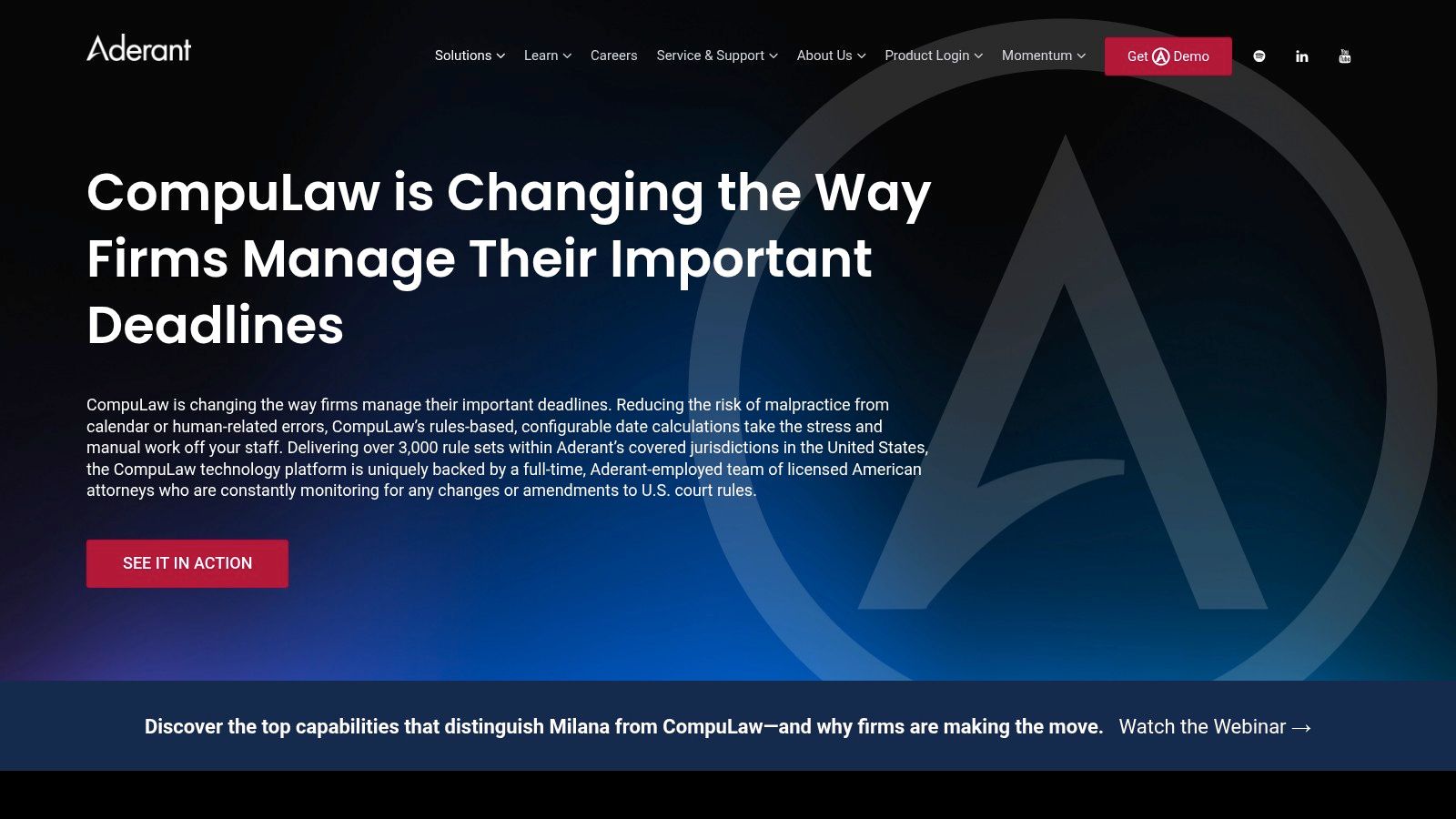
CompuLaw belongs on the shortlist for centralized docketing departments handling substantial litigation volume. Milana is presented as a modern cloud option for existing CompuLaw customers. This is a specialist evaluation, not a general practice-management purchase.
The CompuLaw website describes rules-based calendaring across local, state, federal, appellate, bankruptcy, and specialty rules. The vendor also reports attorney-led rules monitoring, configurable calculations, and reporting for docketing teams.
Breadth matters when a department supports different offices and practice groups. But migration deserves as much attention as the rules library.
Treat Migration as a Docketing Project
Before discussing appearance or dashboard preferences, establish how existing triggers, related deadlines, assignments, exceptions, and history will move. A displayed due date alone isn't enough to preserve the logic behind the record.
- Operational strength. Specialized calculations and reporting suit formal docketing functions.
- Platform limit. Separate matter, billing, and document systems remain necessary.
- Procurement issue. Pricing requires vendor contact. Deployment, implementation, and migration scope need written clarification.
Preserve the reason behind the date. A clean calendar with missing trigger history is harder to audit and harder to correct.
For existing customers, test Milana against an actual working docket rather than an empty sample account. Include a changed hearing, a manually adjusted deadline, and a reassigned attorney. The department needs confidence in exceptions, not just routine calculations.
9. Filevine
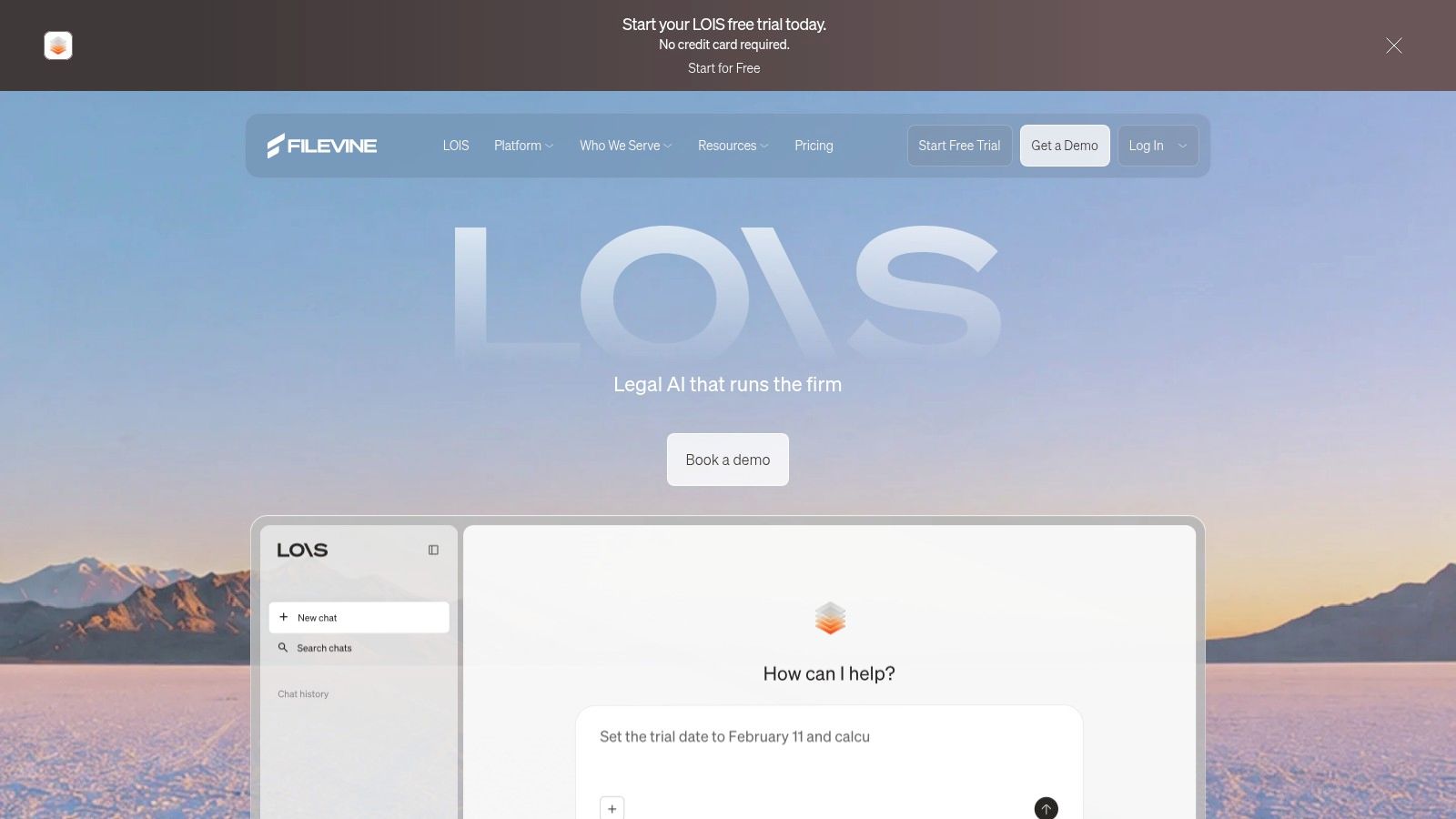
A plaintiff practice may need intake staff, case managers, attorneys, and deposition coordinators working through connected stages. Filevine is worth considering when those repeatable processes need substantial configuration.
Filevine combines matter records, tasks, contacts, calendars, documents, document assembly, and payments. Its broader offering includes Lead Docket for intake and workflow automation, plus additional deposition scheduling, transcription, and summary products. Timely is an optional extension for automatic court-deadline generation.
That range can support specialized operations. It also creates purchasing and implementation decisions that a simple feature comparison won't resolve.
Decide Who Owns Configuration
A configurable system needs someone inside the firm to approve fields, stages, permissions, and changes. Otherwise, each practice group can request a different version of the same process.
Use a legal case management software evaluation to distinguish essential matter functions from optional extensions. Then require a proposal that identifies what's included.
- Good fit. Firms with specialized, repeatable workflows and the capacity to maintain them.
- Implementation burden. Custom configuration can require substantial internal decisions and staff training.
- Deadline question. Confirm Timely's cost, court coverage, and calendar integration separately.
Run a prospective client through intake and conversion into an active matter. Check whether staff must re-enter contacts or reconstruct prior communications.
For a small firm seeking basic records and shared dates, the configuration burden may outweigh the benefit. Flexibility only pays when someone maintains it.
10. CosmoLex
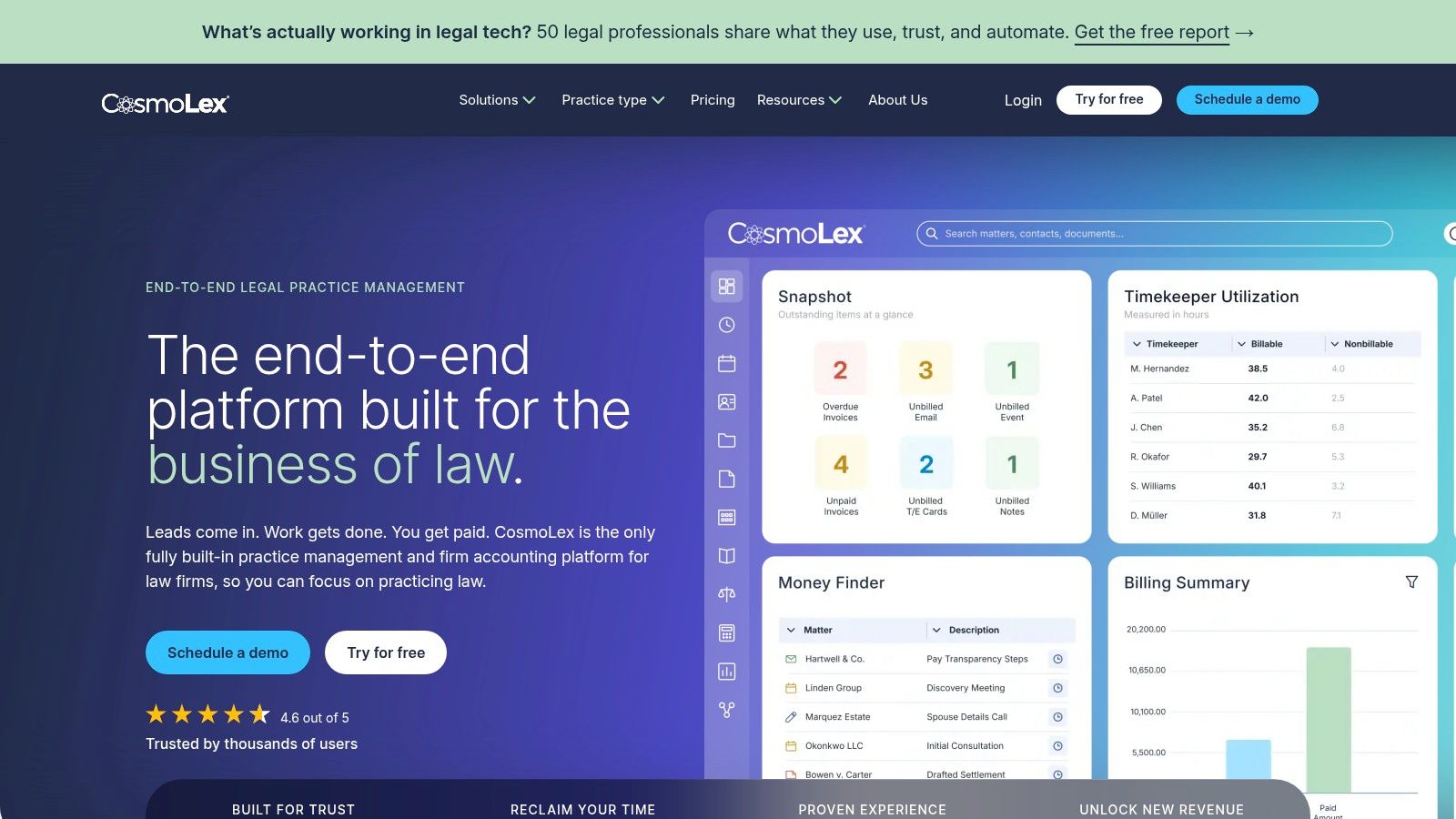
CosmoLex addresses the connection between matter work and legal accounting. It brings time capture, invoices, payments, trust accounting, and practice-management functions into a cloud platform.
CosmoLex publishes tiered plans. Matter tools include tasks, calendaring, email, and document management, while higher tiers add accounting capabilities such as general ledger, payables, bank feeds, and advanced reporting.
The potential benefit is less duplicate entry between operational and financial records. But replacing an accounting system deserves review by the person responsible for reconciliation, not just the attorney choosing software.
Test the Accounting Handoff
Take a matter through time entry, invoicing, payment, and reconciliation. Include corrections and permissions, not just a straightforward paid invoice.
- Strength. Connected billing and accounting records can reduce repeated entry across separate systems.
- Tier limit. Accounting depth varies by subscription and needs a detailed requirements comparison.
- Docketing limit. Verify court-rule and deadline coverage independently of ordinary calendaring.
- Replacement cost. Firms committed to separate accounting or document platforms should examine whether switching creates unnecessary disruption.
Don't treat a compliance report as proof that the underlying entries are correct. Staff still need clear procedures and review responsibilities.
CosmoLex may fit a small or growing practice that wants accounting and matter administration together. It's less compelling when the existing financial system works well and the urgent problem is litigation deadline control.
How the ten products compare on the attributes that matter most for docketing and practice management
The main distinction is operational: some products focus on court-rule calculations, while others center on practice management, documents, or accounting. Confirm court coverage and calendar behavior for the workflows your firm relies on.
| Item | Best for | Court-rule calendaring | Pricing visibility | Outlook sync |
|---|---|---|---|---|
| MatterAlert | Legal teams needing docketing and matter workflows | CalendarRules offers 2,200+ rule sets, with weekend and holiday adjustments | Per-user subscription; confirm current plans in a demo | Microsoft 365 and Exchange sync within one minute |
| Clio Manage | Firms seeking broad practice management and integrations | Available on higher plans; jurisdiction fees may apply | Published entry pricing | Outlook calendar sync |
| MyCase | Firms wanting case management, billing, and client communication | Available; confirm plan and court coverage | Published plans | Outlook integration available |
| PracticePanther | Firms seeking configurable workflows and published plans | Verify coverage and workflow fit | Published plans | Confirm during demo |
| Smokeball | Firms combining matter work, documents, and billing | Confirm court-rule coverage during demo | Quote-based | Calendar integrations; confirm Outlook specifics during demo |
| LawToolBox | Microsoft 365-focused litigation practices | Rules-based deadlines for thousands of U.S. courts | Published per-user pricing | Integrates with Outlook |
| DocketCalendar | Firms needing dedicated deadline calculation | U.S., territories, and Canada; confirm specific rules | Published; varies by users and courts | Syncs with Outlook |
| CompuLaw / Milana | High-volume, multi-jurisdiction litigation teams | Broad rules-based coverage across thousands of U.S. jurisdictions | Contact vendor | Confirm during demo |
| Filevine | Firms with specialized, repeatable workflows | Optional extension; confirm coverage and integration | Custom pricing | Confirm during demo |
| CosmoLex | Firms combining practice management and legal accounting | Verify court and use-case coverage | Published tier pricing | Confirm during demo |
MatterAlert combines matter templates, task and event management, Outlook synchronization, and optional CalendarRules and court docketing features. Its court-rule and docket availability varies by jurisdiction, particularly in Canada. Confirm the specific courts and rules your matters require.
Pick the Tool That Fits Your Deadlines, Not Your Demo
Start with your riskiest deadline and test it inside each shortlisted tool. Use a real matter from your docket, with confidential information removed where appropriate. Confirm every court by name because coverage can vary by state and province.
We confirm specific courts and rule sets during the demo process rather than treating broad geographic coverage as a guarantee. Bring the court name, case type, trigger event, and calendar workflow. Those details make the demonstration useful.
Compare Results, Not Screens
Keep the same test across vendors. Record the calculated dates, the rule explanation, the assignment process, and what happens after the trigger changes.
- Court-rule calculation. Can the reviewer identify the trigger and explain the result?
- Docket monitoring. Who receives a new notice, reviews it, and records the action?
- Calendar coordination. Do assistants and attorneys see consistent assignments and updates?
- Commercial scope. Which users, courts, integrations, migration services, and support functions are included?
Check who needs a license, including assistants, clerks, and administrative staff. Count synchronization recipients separately from people who merely receive meeting invitations. Don't build the budget around attorney headcount alone.
Docket access also has its own economics. The federal judiciary's PACER explanation states a charge of $0.10 per page, with a $3 maximum for each multi-page document and quarterly fees waived when charges total $30 or less. Ask how retrieval activity is attributed to matters and distinguished from the software subscription.
Make Someone Responsible for Rollout
Name a workflow owner, a technical owner, and the person who approves migrated information. Give attorneys and assistants different training exercises because they perform different work. Include a lost device, a departing employee, and an incorrectly selected trigger in acceptance testing.
Security needs the same practical treatment. The Washington State Bar Association technology survey identified a gap between practitioners' cybersecurity confidence and their adoption of protective measures, particularly in smaller practices. Review permissions, identity controls, backups, audit records, incident responsibilities, and data deletion before uploading sensitive files.
I'd choose the product that makes a changed deadline explainable over the one with the most impressive dashboard. Require a successful pilot, document the exceptions, and compare the results side by side before signing. The right purchase leaves your team knowing what changed, who owns it, and what must happen next.
MatterAlert combines court-rule deadline calculation, separate PACER and UniCourt docket access, matter tasks, and Outlook synchronization in a web-based workspace. Visit MatterAlert and bring a real matter to the demo so we can confirm your court coverage and test your team's deadline workflow.