

Feature lists hide the risk. Rules-based calendaring, docket monitoring, and matter workflow automation are three jobs. Score them apart, then pilot them apart.
A clean demo can glue those jobs into one screen. They still fail in different ways. A date can calculate cleanly and still miss the filing. A filing can land in the file and still sit on yesterday's calendar. A template can look tidy while staff rebuild the checklist by hand.
That is the buying problem with legal case management software. The striking number is not a feature count. It is how often the tool is merely available.
Why Availability Is Not the Same as Use
The American Bar Association's 2022 Practice Management TechReport found that 63% of surveyed respondents reported case or practice-management software available at their firms, while use moved in different directions: solo use rose from 32% in 2021 to 45% in 2022, firms with 10–49 attorneys rose from 22% to 40%, firms with 100 or more attorneys grew from 17% to 19%, and firms with 2–9 attorneys fell from 61% to 46%.
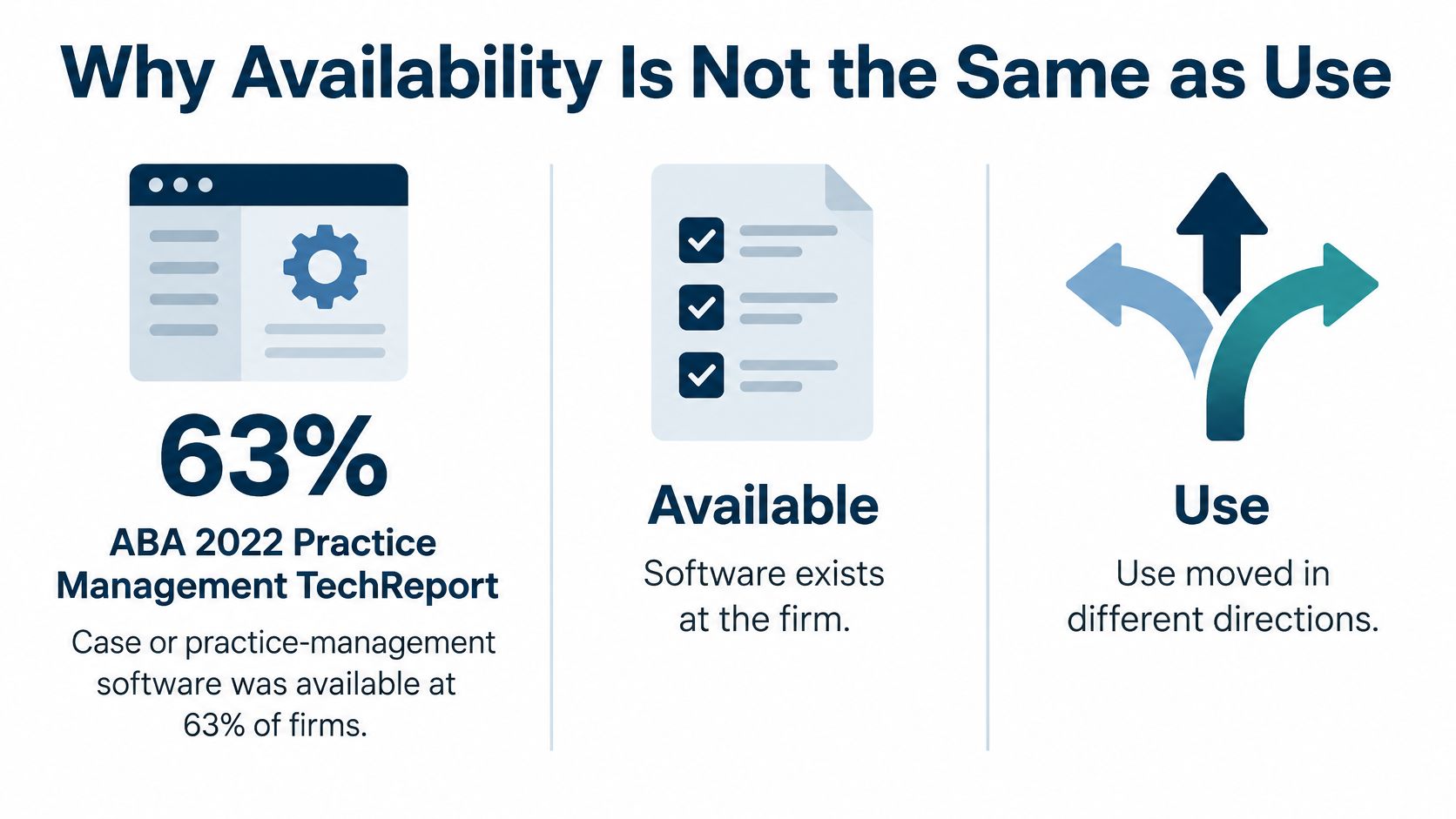
Read that split carefully. Availability is a firm-level fact. Use is a person-level habit, and the bands moved in opposite directions in the same year. A vendor quoting the 63% figure is describing a license count, not a working calendar.
A license on the books can sit unused. Training may be thin. The workflow may not match the practice. Staff keep a side spreadsheet because the official file is slower than the one they trust. Availability also says nothing about which job the software performs. A firm can run matter templates daily while docket monitoring sits idle, or sync every deadline to Outlook while time entry never leaves the old system.
Firm size changes the pattern again. Large firms often already run formal systems, so a new tool has to fit those systems rather than replace them on day one. Smaller firms can swing hard from one year to the next, so a spike in sign-ups is not proof the work moved.
Practical rule: Score one live file, not a slide. If the lawyer still calculates the date outside the system, availability did not become use.
A Scorecard for the Five Buying Tests
Mark the demo the same day, on your court and your file. The card below has six rows because reporting is its own pass, not a leftover screen.
| Test area | What to watch | Pass signal | Fail signal |
|---|---|---|---|
| Matter workflows | Templates for litigation, IP, family, or a client | Tasks, events, and documents generate only after required fields are filled | Staff rebuild the same checklist by hand |
| Calendaring | Trigger date plus court rule, weekends, and holidays | A changed trigger shifts related dates and keeps the old date in the log | The tool only adds a fixed number of days |
| Docket monitoring | Case search and notice retrieval | A known filing is stored with document identity and retrieval date | Staff still check PACER in a separate browser habit |
| Integrations | Outlook, documents, and accounting | A continuance reaches Outlook and the linked workspace stays permission-aware | Dates live in one calendar and files in another |
| Security | Roles, walls, and audit | A departed user loses access and every deadline edit is logged | Shared logins or no record of who moved a date |
| Reporting | Workload, time, and open tasks | A manager can see load by matter, client, timekeeper, or office | The only status report is a partner asking around |
What a pass looks like on your file
Matter workflows. Templates for litigation, intellectual property, family law, or a client-specific file should create tasks, events, and documents. They should refuse to open until required fields are filled. If staff can skip the court, the party, or the responsible lawyer, you will clean that mess for months.
Calendaring. The rule starts from a trigger date, skips the trigger day, counts the period, and moves a landing day that falls on a weekend or holiday. Fail the row if the tool only adds a fixed number of days.
Docket monitoring is a different job. Search a known case by name, number, court, or date. Store the filing identity and the retrieval date. A calendar entry is not a notice.
Integrations. A continuance should reach Outlook fast enough that yesterday's hearing does not stay on a phone. Document and accounting links should show the workspace and the time or billing record without a second login.
Security passes only with role limits, ethical walls, and a log of who changed an event. Shared logins fail the row even if the calendar looks right.
Reporting should show open tasks, hours, and load by matter, client, timekeeper, or office. If the only status check is a partner asking around, the row fails.
MatterAlert, from PaayaTech, puts CalendarRules calculation, PACER and UniCourt access, templates, tasks, audit logs, and Outlook sync in the same matter record. Our core bundle also includes the web portal, alerts, document generation, iManage or NetDocuments, and Aderant or Elite 3E.
Fail any row we will not show on your own court.
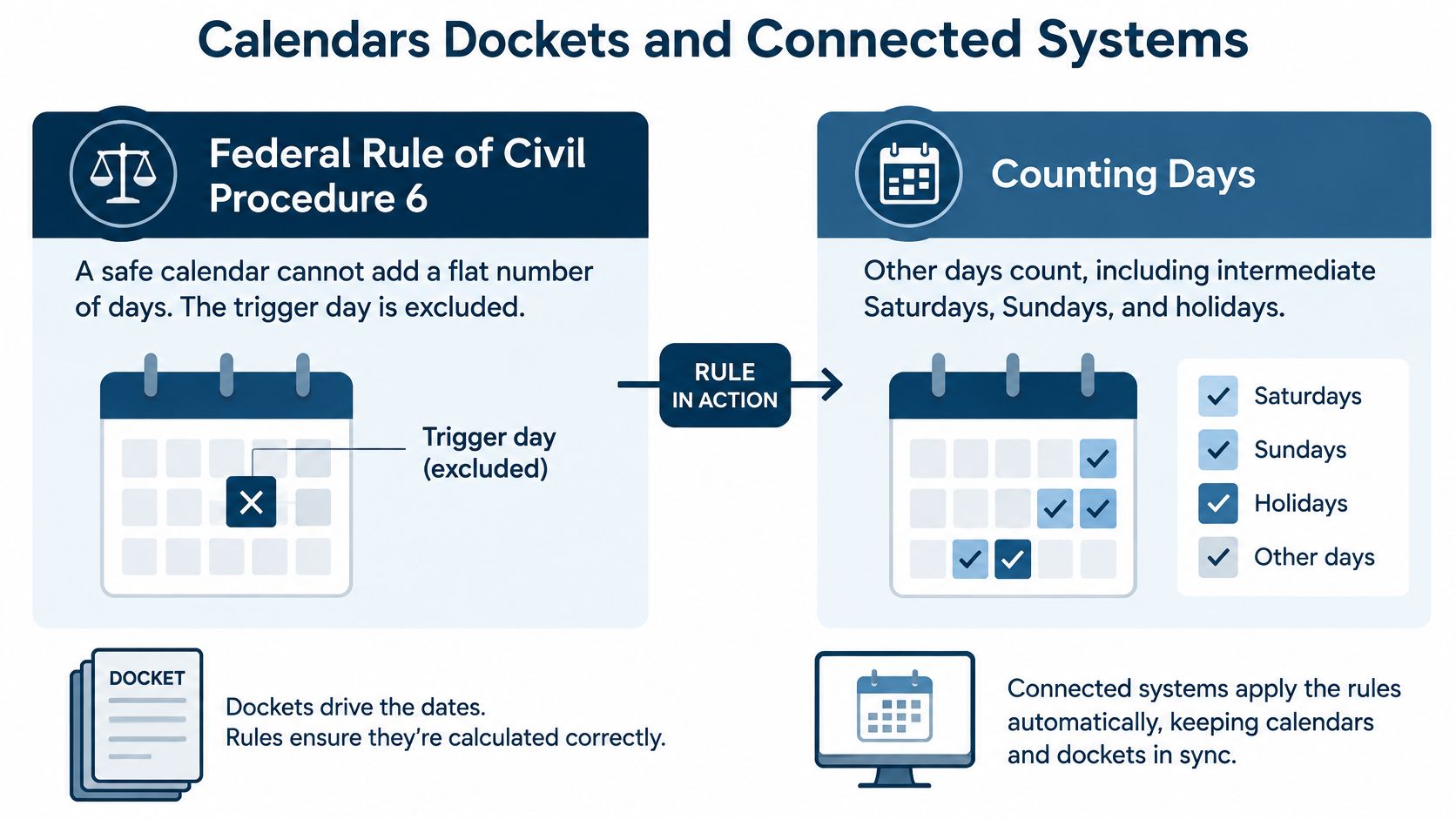
Calendars Dockets and Connected Systems
A safe calendar cannot add a flat number of days. Federal Rule of Civil Procedure 6 excludes the triggering day, counts the other days, including intermediate Saturdays, Sundays, and legal holidays, and includes the final day unless it falls on a Saturday, Sunday, or legal holiday, in which case the deadline moves to the next day that is not one of those. For periods shorter than 11 days, intermediate Saturdays, Sundays, and legal holidays are not counted. A court order or a local rule can still override the ordinary count, so a person should review the result before it lands on a live matter.
Three checks, not one button
Vendors sell these as one feature. Score them as three jobs, because a tool can pass one and fail the others.
Calculation. CalendarRules, which we connect to, covers more than 2,200 rule sets and shifts dates when a court updates the rule. That answers one question: is the date right. It says nothing about whether a filing arrived.
Retrieval. We use PACER and UniCourt for live dockets. A monitor that downloads the same report again spends money and confuses staff unless the record keeps document identity and retrieval date. For the files that sit beside those notices, see our note on law document management software. Our iManage and NetDocuments links keep workspace and document permissions in force.
Sync. Microsoft says shared-calendar changes in Microsoft 365 sync periodically, usually within three hours. That is too slow to treat as the deadline control. Our direct connection is specified to reach Outlook within one minute.
Change one continuance. Show the source event, the notice, and the attorney calendar as three separate checks.
PACER fees for docket work
| Charge | Amount | Note |
|---|---|---|
| Standard access | $0.10 per page | Charged on pages displayed or retrieved, not on pages printed |
| Per document or case report cap | $3.00 | Equals 30 pages |
| Quarterly waiver | $30 or less | Fees waived when a user accrues $30 or less in a calendar quarter |
| PACER Service Center search | $30 per search | Charged even when the search returns no results |
| Electronic documents via search service | $0.10 per page | Delivery limited to five documents; the $3.00 cap still applies |
| Printed copies via search service | $0.50 per page | The 30-page electronic cap does not apply |
Those service-center charges come from the federal courts' PACER fee comparison. Design polling so routine checks do not buy the same PDF twice. Keep a failed search off the automated path, because a no-result search can still carry the fixed charge.
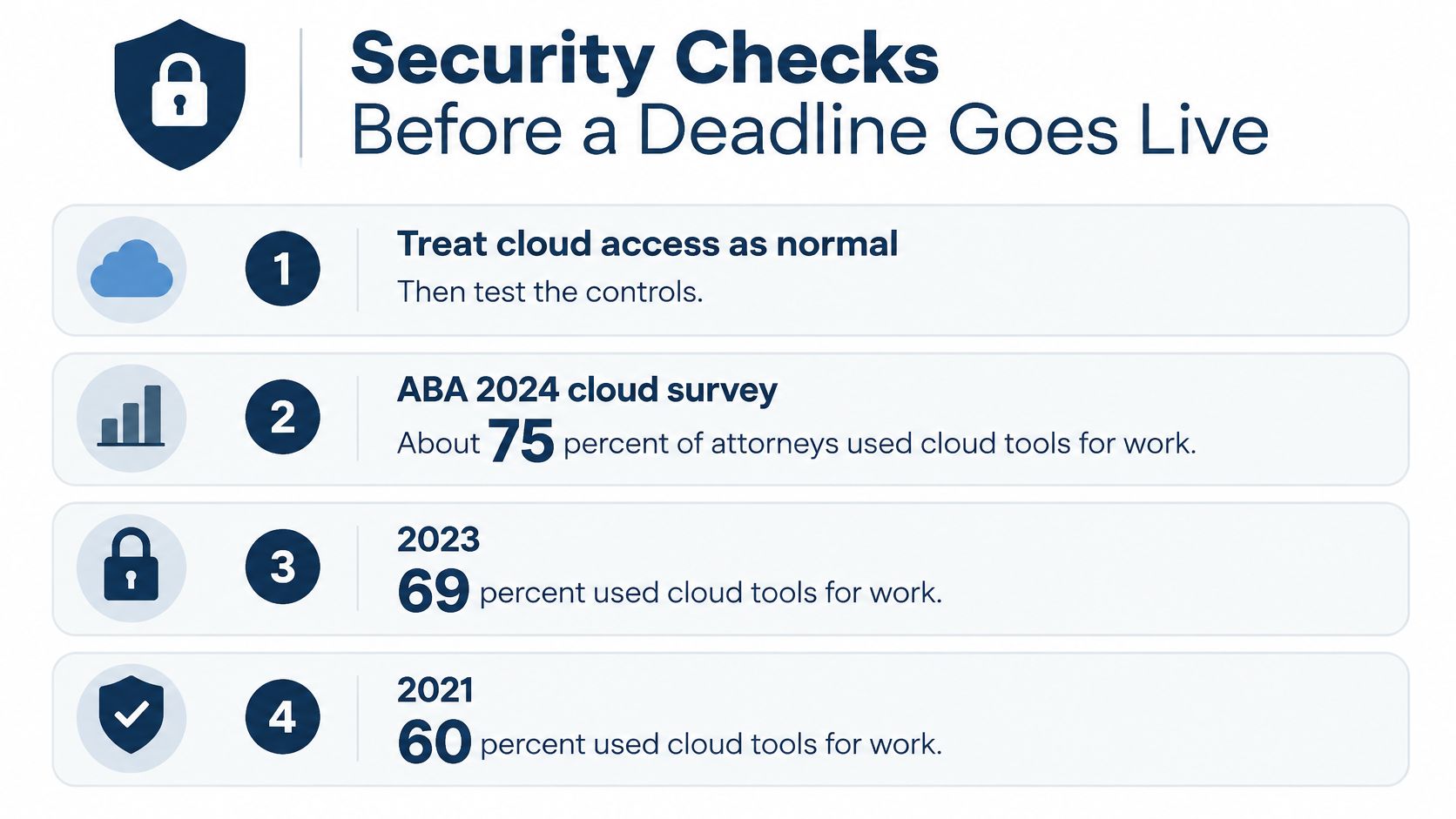
Security Checks Before a Deadline Goes Live
Cloud access is normal. The controls are not. The ABA's 2024 cloud computing TechReport found that about 75% of attorneys used cloud computing for work-related tasks, up from 69% in 2023 and 60% in 2021, while confidentiality and security remained the leading concern for about 55%, nearly 20% reported no cloud-security precautions, and only 34% used software they said guaranteed SSL encryption.
A browser screen is not proof. Require encryption, identity management, backup, data location, and an independent report such as SOC 2. Then run people tests.
- Who may change a court date: Name the role. A shared login fails this test.
- Who approves it: A second person should sign off before the date moves on a live matter.
- How fast access dies: When someone leaves, time the lockout. Same day is the bar.
- Whether a wall holds: A conflicted matter should stay hidden from the walled user.
- Whether the log is complete: It should show the old date, the new date, and the user.
We provide SOC 2 compliance, Microsoft 365 single sign-on, Azure AD provisioning, ethical walls, role access, document permissions, and event-level and matter-level audit logs. Incomplete template tasks escalate to the named timekeepers. Every change keeps a history.
The 2026 Future Ready Lawyer research surveyed 810 legal professionals and found that more than 90% used at least one AI tool daily, 35% named cybersecurity as a significant concern, and only about one-third felt very prepared for the related risks. Greater automation can spread a wrong trigger across many matters. An AI add-on needs the same approval path as a manual edit.
Require multi-factor sign-in, a deprovision drill, and an export test before go-live. Our rule-based dates, sync, notifications, task escalation, and event-level logs are there to cut missed-deadline risk. They do not replace the drill.
Reporting Checks for Managers
Reporting is the test buyers run last, and it is the one managers feel every Monday. Ask for four views. Run each one on the pilot file.
Open tasks by matter should show what is due this week without a hallway question. Hours by timekeeper should let you compare entered time with the work the lawyer did. Load by client and office should show a lawyer carrying three trials at once. A deadline view should list every court date with its source event and last change date.
Our reports break out timekeeper, matter, client, or office, and the dashboard is the same set of facts, not a second story. That is also the point of legal operations management: the view has to replace the side spreadsheet.
Trace the count
Pick ten tasks from the pilot. Trace each one back to its matter record. If a count changes between the dashboard and the export, the report fails. Check that the date range and the office filter carry through to the export.
Because managers often build side reports by hand, time a weekly status report before launch and again after. If the built-in view is slower than the spreadsheet, people will go back to the spreadsheet.
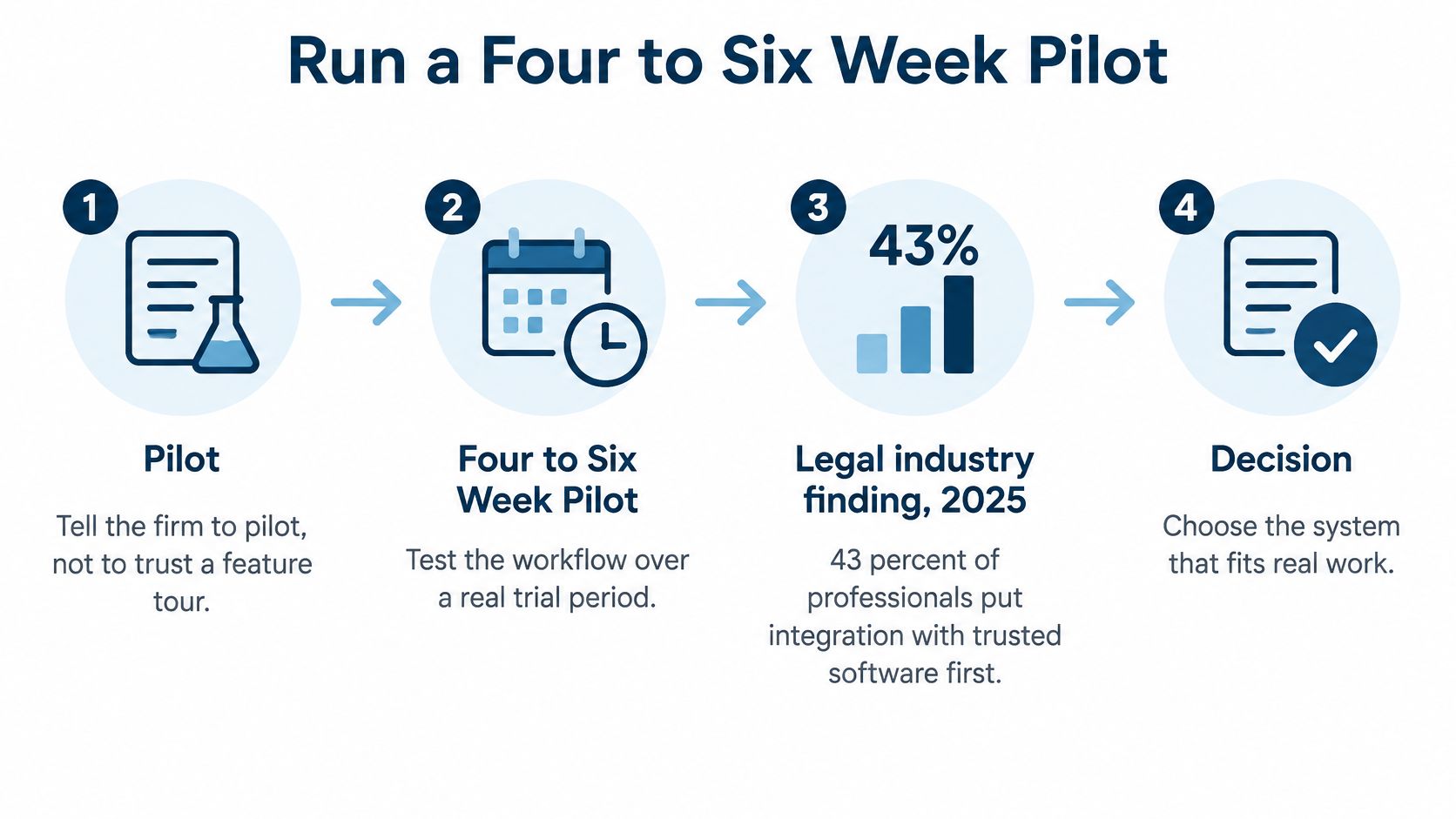
Run a Four to Six Week Pilot
Do not trust a feature tour. The 2025 Legal Industry Report found that 43% of legal professionals prioritize integration with trusted software when they judge legal-specific generative-AI tools, 33% prioritize the provider's grasp of firm workflow, and 61% of a related midsize-firm group prefer AI inside tools they already use. Test the connections.
- Pick two live matter types, such as a state litigation file and a client-specific file, and list the required fields.
- Normalize party names, courts, and responsible lawyers before any import.
- Open each matter from a template. Tasks, events, and documents should appear only after those fields are filled.
- Enter one trigger. Compare the calculated dates with a manual count, including a holiday.
- Retrieve one known docket item. Confirm identity, court, and date.
- Change a hearing. Time how fast Outlook shows it.
- Reassign the file to a second lawyer. Confirm the wall still hides the conflicted matter.
- Run one workload report and one time report.
Our typical setup runs four to six weeks, with a project manager and 90 days of extra support after launch. The path is template, then CalendarRules events, then UniCourt or PACER tracking, then Outlook within one minute. Write the pilot court list into the acceptance sheet. Coverage is not the same in every court.
Track three measures for 30 days after launch: missed-date near misses, duplicate entry, and the percent of tasks closed on time. Keep AI features off until that manual path is trusted.
Which Setup Fits Your Firm
Buy when the scorecard passes on your own courts. Do not buy because the demo looked complete.
Match the painful week to the buyer.
| Buyer | Priority | Fit signal | Watch-out |
|---|---|---|---|
| Multi-state litigation team | Rule sets and bulk reassignment | Deadlines shift by court rule and a departing lawyer's work moves in a few clicks | Confirm each U.S. and Canadian court before signup |
| Docketing desk | Notice retrieval without waste | Filings stored with identity and date | Budget PACER pages using the cost table in the docket section |
| Solo or small firm | Templates and shared reminders without desktop software | Browser access on desk, tablet, and phone | License every user who signs in or gets calendar sync |
| Large multi-office firm | Walls, audit, and existing systems | Ethical walls plus iManage, NetDocuments, Aderant, or Elite 3E | Test a conflicted matter and a cross-office reassignment |
A multi-state litigation team should weight rules calendaring and bulk reassignment. When a lawyer leaves, a docketing manager can move events, appointments, and tasks to a new attorney across one or many matters in a few clicks, and subscriber calendars update. Confirm every U.S. and Canadian court in the book of business before signup. Coverage is not identical in Canada.
A docketing desk should weight notice retrieval and a retrieval log. The PACER pricing FAQ bills users quarterly, and name searches, non-case-specific reports, and transcripts may be treated differently from a standard document. Budget the pages. Do not poll in a way that buys the same PDF twice.
A solo or small firm wants templates, a shared calendar, and reminders without desktop software. The browser setup fits that pattern on a desk, a tablet, or a phone. License every person who signs in or receives calendar sync, including assistants. Assistants can run attorney calendars and their own, assign tasks, and take delegated time entry.
A large multi-office firm needs ethical walls, audit, and links to iManage, NetDocuments, Aderant, or Elite 3E. MatterAlert is a sensible next conversation when you want those jobs in one matter record.
Ask for a demo on two of your courts, one continuance, one departed-user reassignment, and one document or accounting link if those systems are in use. Keep AI features off until the manual path is trusted. Bring the scorecard. Leave open any row we cannot show.
MatterAlert is PaayaTech's web-based docketing, calendaring, and tickler system for firms that need court deadlines, matter tasks, and calendar sync in one record. It is built for the three jobs this assessment separates: rules-based dates, live docket notices, and the workflow around them. Visit MatterAlert and bring two of your courts to the demo.