
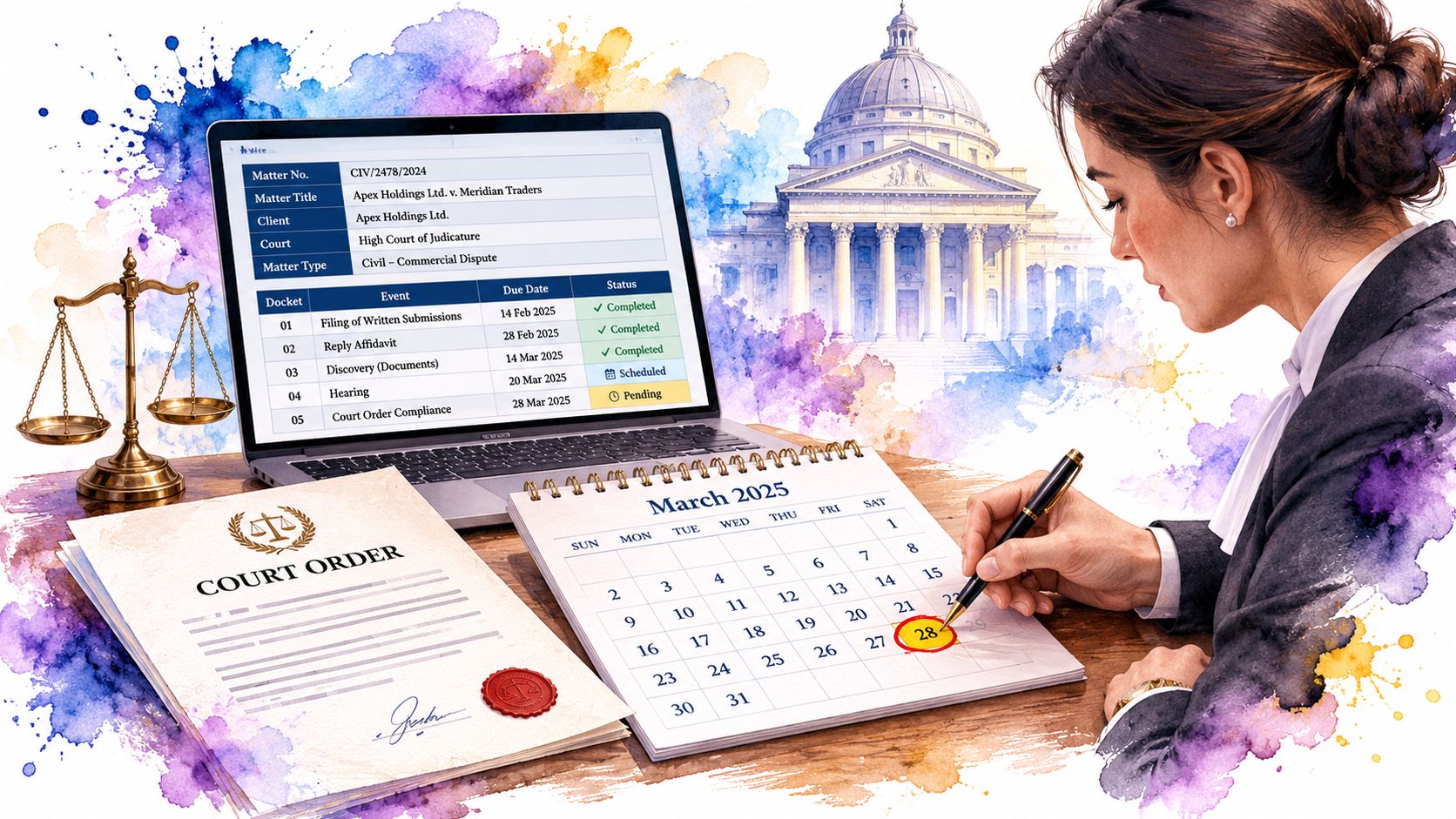
The most repeated advice about legal docket templates is to download one. Grab a free spreadsheet, paste in your matters, set a reminder, and move on. I'd push back on that. A blank due-date column doesn't calculate anything. It stores a guess and lends it the credibility of a firm template.
A working template is narrower and far more useful. It's a reproducible deadline calculation with an audit trail. Every date traces back to a triggering event, a named rule, a counting method, and a person who checked the arithmetic. If you can't rebuild the date six weeks later, you don't have a template. You have a note that happens to be in a grid.
Volume makes this urgent. The Administrative Office of the U.S. Courts reports that district-court filings grew 6% in fiscal year 2025 to 382,692, including 303,563 civil cases and 79,129 criminal defendants (Judicial Business 2025). Every civil case on that list produces at least one trigger date. Most produce a dozen.
Fields Every Legal Docket Template Needs
Most free templates floating around are checklists with a due-date column bolted on. That's the gap. Existing guidance treats a template as a static list rather than a jurisdiction-sensitive decision system, and it rarely explains how a row should separate a trigger date from a service method, a filing timestamp from a court cutoff, or a weekend from a court holiday. The American Bar Association's 2024 litigation technology survey shows why that omission bites: 86% of surveyed legal professionals reported filing with state or local courts electronically in 2024, and e-filing was mandatory in 54% of state courts and 47% of local courts (ABA Legal Technology Survey Report). When nearly everything is electronic, the failure rarely comes from a missing piece of paper. It comes from pulling the wrong date off a notice or hanging a deadline on the wrong court.
Copy the field list below into a sheet or a matter form before you read further.
| Field | Record this | Why it is required |
|---|---|---|
| Matter identity | Matter name, court case number, client | Stops events from landing on the wrong file |
| Court | Court, jurisdiction, case type, time zone | Counting rules and filing cutoffs differ by court |
| Trigger | Event name, date, time, service method | The due date is derived from this event |
| Rule | Citation, version, counting method | Proves how the date was produced |
| Dates | External deadline and earlier internal review date | Separates the court date from the firm's check |
| People | Primary owner and independent reviewer | One person enters, another confirms high-risk dates |
| Source | Order, notice, or filing and where it is stored | Lets a later reviewer rerun the math |
| Status | Open, continued, filed, accepted, or closed | Closing requires court acceptance, not a finished draft |
Why the Trigger and the Deadline Live in Different Cells
Take a routine federal civil case. The complaint is served, so the answer clock starts. A row that says "Answer, May 18" tells you nothing you can defend later. Which day did service happen, and by which method? Which rule set the period? Was service waived, which changes the clock entirely? A deadline with an empty trigger cell is a guess with formatting.
The federal system's own field design makes the same point. The Federal Judicial Center's history of federal caseload reporting describes docket data built to support case identity, filing and termination events, court-specific categories, deadlines, dispositions, and statistical reporting (FJC caseload reporting history). Structured records existed because unstructured ones couldn't be trusted at scale.
Keep the division clean. CM/ECF and PACER record what the court did. Your template records what the firm must do next, and who checked the math.
If your team is still holding this in a workbook, replacing Excel in law firms covers the point where a sheet stops being the right container for deadlines you have to defend.
One save rule carries most of the weight: don't keep a row that has a due date but no trigger, no rule citation, or no named owner. Either fill the gap or block the date from being relied on. A half-filled row is worse than an empty one, because someone will treat it as done.
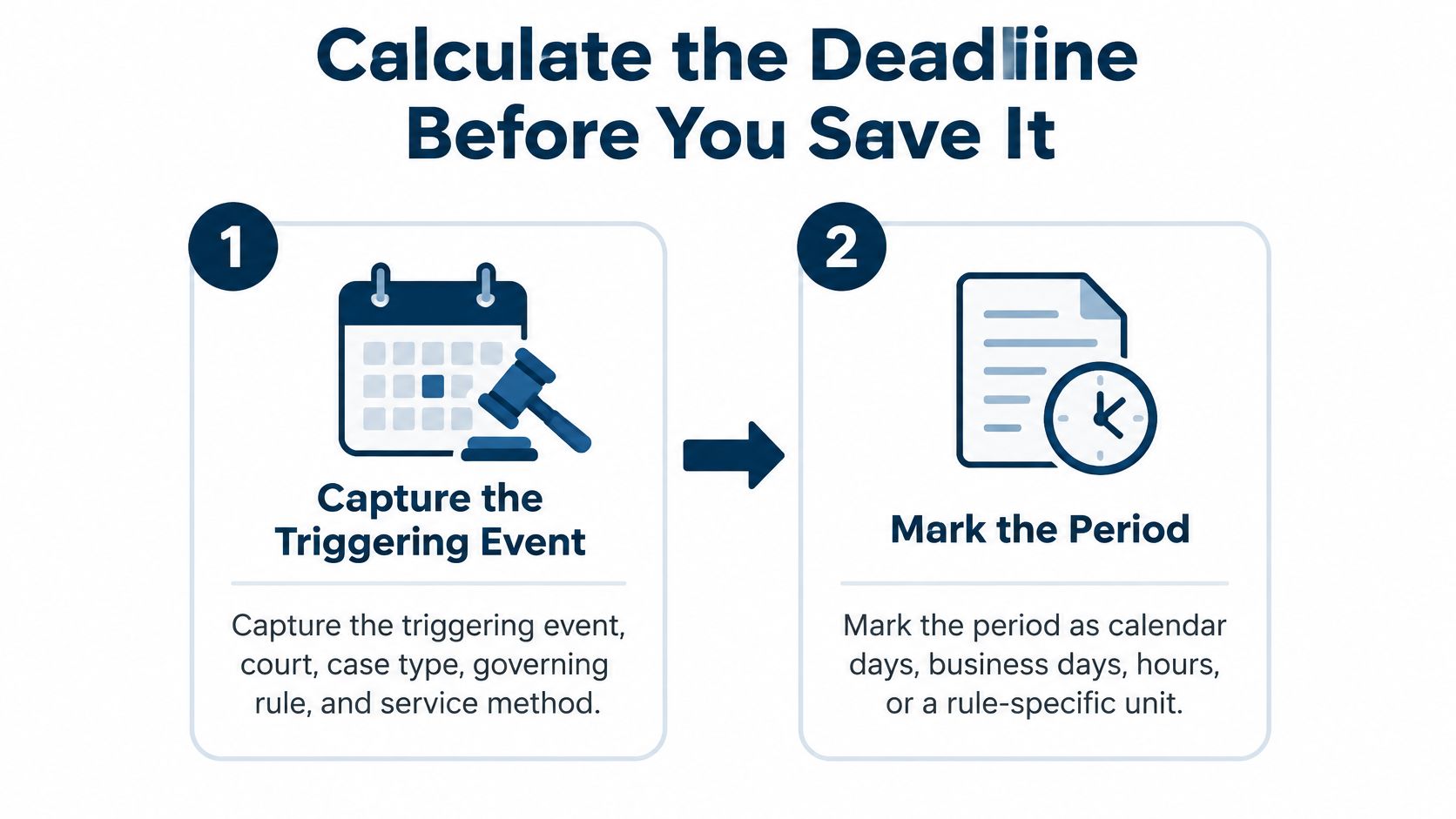
Calculate the Deadline Before You Save It
The order of operations is fixed. Skip a step and you'll produce a date nobody can reconstruct, which is the same as having no date at all.
The Six Steps, in Order
- Capture the trigger. Event, jurisdiction, court, case type, governing rule, service method. Nothing else happens until this cell is filled.
- Mark the period type. Calendar days, business days, hours, or a court-specific period. A 14-day order and a 14-business-day order are different animals.
- Apply that court's counting convention. Trigger day, weekends, holidays, closures. Local rules can diverge from the federal method.
- Store the date with its provenance. Rule version, source event, calculation timestamp, responsible owner.
- Add an internal review date that lands before the external deadline, not on it.
- Require independent validation for dispositive, jurisdictional, and appeal dates. A second person recalculates from scratch rather than checking your number.
Rule 6 on a 14-Day Period
Federal Rule of Civil Procedure 6 gives the arithmetic its shape. When a period is stated in days or a longer unit, you exclude the triggering day. Every intermediate day counts, including Saturdays, Sundays, and legal holidays. The final day is included. If that day falls on a Saturday, Sunday, or legal holiday, the deadline moves to the end of the next day that isn't one of those (Federal Rule of Civil Procedure 6).
The rule also names the holidays: New Year's Day, Martin Luther King Jr.'s Birthday, Washington's Birthday, Memorial Day, Juneteenth, Independence Day, Labor Day, Columbus Day, Veterans Day, Thanksgiving Day, and Christmas Day, plus any presidential or congressional holiday. Hour-based periods run differently, starting the moment the event occurs and continuing through weekends and holidays.
| Period | Trigger | Intermediate time | If the end falls on a non-business day |
|---|---|---|---|
| Days or a longer unit | Exclude the trigger day | Count every day, including Saturdays, Sundays, and legal holidays | Move to the next day that is not a Saturday, Sunday, or legal holiday |
| Hours | Start immediately when the event occurs | Hours continue through weekends and holidays | Extend to the same time on the next non-holiday weekday |
One Row, Worked Through
Say the matter is Smith v. Acme. Personal service on May 4. Governing rule, FRCP 6(a). Period, 14 days. Exclude May 4, count 14 days forward, and the external deadline lands on May 18. Check the weekday on a real calendar for the year you're working in before you save, because the answer changes with the calendar, not with your memory.
Set the internal review two days earlier. If that date is a Saturday, move it to the Friday. Name the owner, name the reviewer, and attach the summons or order as the source document so the next person can rerun the arithmetic.
Filing electronically doesn't move any of it. The District of Vermont's ECF administrative procedures state that electronic filing does not change a deadline, filings generally must be completed before the applicable local midnight, and a technical failure may not extend a jurisdictional deadline (ECF Administrative Procedures). A crashed upload at 11:58 p.m. is not a defense.
If you want a second check on your arithmetic, run the dates through a court date calculator and compare results.
The pass test: a row is finished when someone else can see how the date was made, not just what the date is.
Check Each Rule and Source Before Trusting a Date
Every date in the template needs a source a reviewer can reopen. Not "it looked right when I entered it." A link, a version, and a read date.
Start with the rule text itself. For federal civil deadlines, pull Rule 6 from an official source and record the URL, the version, and the day you read it. Rules get amended. A bare citation tells the next reviewer nothing about which text you relied on.
Then compare the holiday list in the rule against the court's own closure calendar. Weather closures, a courthouse shutting for a local event, an emergency order: none of that appears in a national holiday list, and any of it can shift a due date. For state and local matters, find the local rule or standing order and use its counting method. Borrowing the federal count for a state court is one of the quiet ways a deadline goes wrong.
A row is verified when a stranger can click from the template to the order, the rule, and the statistic. If one of those links is dead, the row isn't verified yet.
Context figures deserve the same treatment. Link the original report, never a summary of it, and only pages you've opened yourself. That discipline is the first thing to slip when coverage is thin, which is where law firm intake and deadline support earns its place: it can carry the mechanical source check while an attorney keeps the judgment call.
Court dockets are another source, and a live one. A continuance often surfaces there before it reaches your inbox, as circuit court dockets makes clear. When the docket and the order disagree, the docket wins on timing and the order wins on scope.
Catch Bad Entries and Match the Docket
Calendaring failures get filed under clerical noise. The insurance numbers say otherwise. An ABA-linked insurance analysis found that more than 23% of lawyer malpractice claims were administrative, and almost 12% of those administrative errors were directly related to calendaring, with cited failures ranging from an improper initial entry to a missed filing after a calendar alert to no reaction to an entry at all (docketing and malpractice claims analysis). That's a control problem wearing a formatting costume.
Build the controls on top of the row, not inside someone's head.
- One owner, one reviewer. The person who keys the date isn't the person who signs off on a dispositive, jurisdictional, or appeal date.
- Two dates per deadline. The action date plus an earlier verification date, so a rejected filing still leaves room to refile.
- Acknowledgment on high-risk tasks. An unacknowledged item escalates to a supervising attorney. Silence is a signal, not consent.
- Reconciliation after every event. Each filing, order, continuance, or reassignment gets the row matched against the docket text.
- A named morning reader. Someone reads new notices each business morning, with a backup who has working credentials.
- A monthly sample audit. Calculated dates, source documents, acknowledgments, and closure evidence, tested on a sample rather than trusted as policy.
Habits That Look Tidy and Still Fail
Four patterns cause most of the damage. Copying a deadline without its triggering event, so nobody can recheck it. Treating a court's electronic timestamp as interchangeable with local time in every court. Ignoring a court-specific cutoff because the state rule looked similar. And closing a task when the draft is finished rather than when the filing is accepted.
Each one survives a clean template. None survives a reviewer who has to see the math.
The closing rule: a task closes when the court accepts the filing, not when the draft leaves your desk.
Federal guidance adds technical validation to the list: PDF format, file-size limits, and confirmation of the notice of electronic filing. Put those in the template as fields. A row that says "filed" without a confirmation record is a claim, not evidence. The same logic applies when a court still requires a confirmed fax transmission. Keep the confirmation with the row, and know what a usable fax proof for legal filings contains before you need it on a Sunday night.
Monitoring Isn't the Same as Retrieval
The federal fee schedule exposes a gap that many teams never notice. Court records generally cost $0.10 per page, a single document or case-specific report is capped at $3.00, and accumulated charges of $30 or less in a calendar quarter are waived (PACER fee schedule). Case information stays available around the clock.
Recording a docket notice is not the same as retrieving the underlying filing. Track search cadence, page volume, and document retrieval as separate lines on the matter, because only one of them tells you whether the document that changes a deadline is in the file. The row should say whether the filing was pulled or only noticed.
Start With One Live Matter This Week
Don't redesign firm-wide docketing this month. Pick one active matter and run the template on its next real trigger. The docketing lead fills every required field, works the calculation in order, and puts the internal review date on both the owner's and the reviewer's calendars. Compare the result to the order before anyone leans on it.
Keep the spreadsheet if you practice in one court, volume stays modest, and the monthly audit happens. Move to a dedicated tool when you cover several courts, or when rule versions change faster than one person can track by hand. A second calendar and a tickler file system will do more for you than a third reminder stacked on the same date.
That's the point where a platform earns its cost. MatterAlert sets up matters from customizable templates for litigation, IP, family law, or client-specific work, and those templates generate tasks, events, and documents from the outset. Deadline calculation runs through CalendarRules, which tracks trigger dates for courts across North America with 2,200+ rule sets, adjusts for weekends and holidays, and updates calendar events when a court revises its rules. Coverage varies by court and jurisdiction, especially in Canada, so confirm your specific courts and rule sets during a demo.
A short list keeps the pilot honest:
- Name the courts you file in, and confirm each one on the demo.
- Run one trigger end to end and compare the output to the order.
- Time the review so the internal date lands at least a day before the external one.
- Check the calendar, not the template, for the weekday.
The test is simple. Can a second person see the trigger, the rule, and the owner for the next date without asking you? If yes, you have a template. If no, you have a to-do list with a deadline column.
MatterAlert gives your team the structure this work demands: matter templates that generate tasks, events, and documents, rules-based deadline calculation through CalendarRules across 2,200+ rule sets, and live docket monitoring through PACER and UniCourt, all synced to Outlook. Start with one live matter as described above, then see how the same controls hold across every court you file in. Visit MatterAlert to book a demo and confirm coverage for the courts your practice uses.