
The 12 regional U.S. courts of appeals received 40,612 filings during the period ending March 31, 2025, according to the Administrative Office of the U.S. Courts. Behind that volume are individual records that keep changing as lawyers file papers and clerks record orders.
For a litigation team, circuit court dockets are both a case history and a source of new work. Reading them well means knowing what an entry establishes, what it leaves out, and when it requires action. A quiet-looking docket doesn't necessarily mean a quiet case.
What a Circuit Court Docket Actually Holds
A docket is the court's running record of a case. It identifies the case number and parties, lists recorded activity in date order, and links to filed papers when public access is available. Think of it as an index to the proceedings, not a substitute for reading the papers themselves.
Here, circuit court means a federal court of appeals. State circuit courts maintain similar records, but their court structures, access systems, and procedural rules are separate.
Say you're taking over an appeal from another legal assistant. The case name looks familiar, but that isn't enough. You need to confirm the appellate case number, identify which side your firm represents, and inspect the latest entries before trusting an inherited calendar.
Parts of a federal appellate docket
| Docket element | What it shows | Why it matters |
|---|---|---|
| Case number | Unique identifier for the appeal | Use it for every search and every filing |
| Party names | Appellant, appellee and other parties | Confirms you have the right case |
| Docket entries | Dated list of every recorded filing, order and notice | Shows what happened and in what order |
| Filed and entered dates | When a paper was submitted and when the clerk recorded it | Can start a response period |
| Linked documents | Filed papers and orders available to the public | Gives the substance behind an entry |
| Sealed or restricted notations | Marks material withheld from public view | Explains gaps in the record |
A case record within a changing inventory
The same word also describes a court's overall caseload. In fiscal year 2025, the 13 U.S. courts of appeals had 41,824 appeals filed, 40,411 cases terminated, and 33,748 cases pending at year-end, according to the Administrative Office's Judicial Business report. Filings exceeded terminations by 1,413 cases, while the pending inventory increased approximately 6%.
That distinction matters. New filings describe incoming work; dispositions describe completed work; pending matters describe what remains. A filing count alone doesn't tell you how much unfinished work a court carries.
At the individual-case level, docketing turns recorded activity into assigned tasks, verified dates, and follow-up. Pull an active case number and compare its docket against each component in the table. If something is missing, record the gap rather than filling it with an assumption.
PACER Fees and How to Keep Them Low
PACER charges for access, so a search habit can become a spending habit. The PACER document-access fee guide sets the $0.10-per-page rate, the $3.00 cap for individual documents and case-specific reports, and the waiver for quarterly charges of $30 or less.
PACER charges by access type
| Access type | Rate | Cap | Notes |
|---|---|---|---|
| Case information, per page | $0.10 per page | No separate cap stated for general page charges | Applies to docket pages you view |
| Single document or case-specific report, including a docket report | $0.10 per page | $3.00 per item | The cap equals 30 standard pages |
| Name search | $0.10 per page | Cap does not apply | Broad searches add up fast |
| Non-case-specific report | $0.10 per page | Cap does not apply | Check the scope before you run it |
| Transcript | PACER's applicable transcript-access charges | Cap does not apply | Treated differently; confirm current PACER rules |
| Quarterly waiver | Charges of $30 or less are waived | Not applicable | Quarters run January to March, April to June, July to September, and October to December |
The exceptions in the table follow PACER's pricing FAQ, which excludes name searches, non-case-specific reports, and transcripts from the document cap. The calendar-quarter periods follow PACER's explanation of how fees work.
What a routine check costs
Under the document-access guide's examples, a 10-page docket report costs $1.00, and a linked five-page filing costs $0.50, before any waiver applies. Opening the report and opening the filing are separate access events.
A date range can reduce displayed docket pages and therefore reduce the charge. But don't narrow the range until you've established a reliable baseline. Otherwise, you may save on access while overlooking an older unresolved order.
Cost-control habit: Save the last entry reviewed, retrieve new activity, and check your saved documents before opening the same filing again.
Track access by calendar quarter and by type: docket reports, linked papers, broad searches, and transcripts. A team should be able to explain what it retrieved and why. That makes unexpected charges easier to investigate and unnecessary repeat searches easier to stop.
How to Find a Federal Circuit Docket Step by Step
Start with the court, not the party name. An appeal and its underlying district-court case have separate records, and searching the wrong court can leave you reading an incomplete procedural history.
Run a focused search
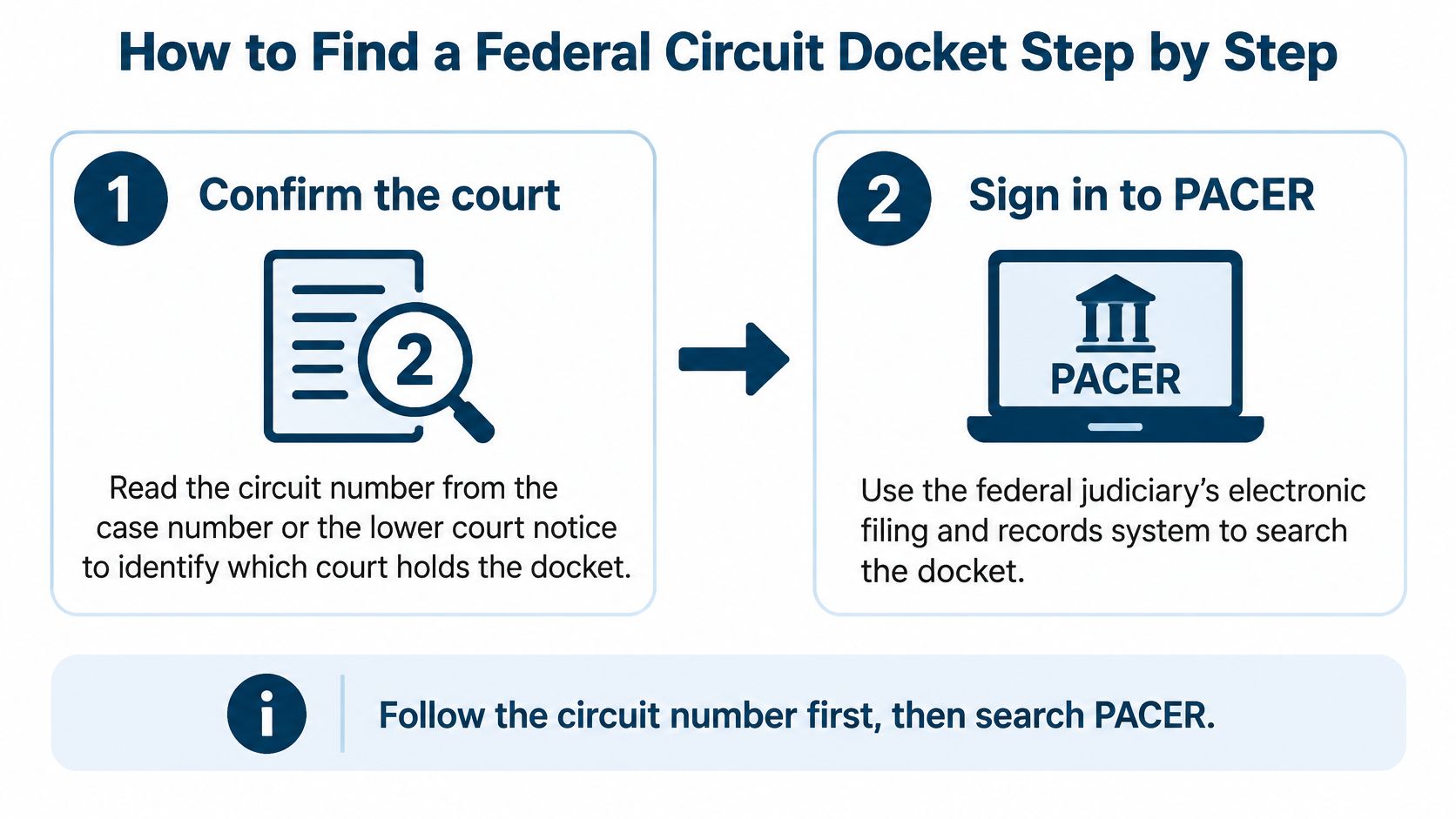
Confirm the court, using the court name on the notice, the lower-court paperwork, or the appellate case information, because an abbreviated case number alone may not identify the circuit reliably. Don't confuse a numbered circuit with the year portion of a case number.
Sign in to PACER, the federal judiciary's public-access system, so you can search the appropriate appellate records. Check your account's usage before beginning a broad research session, especially if several team members share responsibility for monitoring charges.
Search by case number first, because the number together with the correct court is more precise than a party name. If you only have a name, compare the court, parties, and originating case before selecting a result; similar names can lead to unrelated matters.
Set a date range after establishing the case history, so later checks focus on activity since your last review. For a newly assigned appeal, inspect enough history to identify existing schedules and unresolved obligations before narrowing the report.
Open the docket report and choose newest-first order where available, because that brings recent changes into view quickly. Then read related entries together; a correction or amended order may make little sense without the earlier entry.
Open linked documents that affect a decision, task, or deadline, because the short docket description may omit conditions stated in the paper. Save important orders and their attachments with the matter rather than relying on a browser tab.
Save the report with the retrieval date and time, so another reviewer can tell what you examined. Keep the court, case number, and reviewed-through entry in the same note to make the next check easier.
Keep the record identifiable
Use a consistent filename that includes the court, case identifier, and retrieval date. Keep downloaded reports separate from working notes so no one mistakes an internal annotation for court text.
For integrated workflows, the PACER integration overview provides context for connecting docket access with matter work.
State circuit court dockets require a different starting point. Visit the relevant clerk's official site and follow its records-access instructions. Don't assume a federal search includes state proceedings.
Reading Docket Entries Without Guessing
Court activity doesn't stop when the office closes. The Federal Judicial Center's electronic filing study examined 47,420,684 docket entries created during 2018 across appellate, district, and bankruptcy courts and found that approximately one in fifty appellate and district-court entries occurred before 8:00 a.m. Bankruptcy activity was more concentrated outside normal hours, with 17% before 8:00 a.m. and 16% after 5:00 p.m.
Those bankruptcy percentages aren't appellate rates. They illustrate why teams shouldn't design all monitoring around office-hour activity.
Separate the description from the document
An entry generally contains an entry number, a recorded date, and a short description. It may identify the filer, describe an order, refer to an attachment, or link to another entry. Read those parts together.
Suppose an entry says the court granted a motion in part. That description doesn't tell you which request succeeded or whether the order changed a filing obligation. You need the order itself.
Common appellate entries and the next check
| Entry type | What it signals | Next check |
|---|---|---|
| Notice of appeal | An appeal has started from a lower court | Confirm the case was docketed and a number was assigned |
| Docketing notice | The court opened the case and assigned a number | Locate and calendar the applicable briefing schedule |
| Briefing order | Sets due dates for briefs | Enter each due date with a reminder and an owner |
| Brief or motion filed | A party submitted an argument or request | Check the response deadline in the court rules |
| Court order | The court ruled or set a new procedure | Read the order for any new deadline |
| Mandate | The court sends its judgment back to the lower court | Confirm closure status and check for remaining tasks |
The next-check column is a review prompt, not a claim that every entry automatically creates the same obligation. A docketing notice may not contain a briefing schedule. A mandate doesn't justify deleting unfinished follow-up work.
Preserve the event, not just the email
Keep the court's filing and entry information rather than replacing it with the time someone forwarded a notice. Retain the notice and downloaded paper as supporting records. If a corrected entry appears, connect it to the earlier version instead of overwriting your notes without notice.
For a monitored case, route unassigned events into an exception queue. Someone should review entries that don't match a known task or deadline rule.
Read the entry, inspect the controlling document, and identify the applicable rule. Then place the next verified date on the calendar with a named owner beside it.
Deadlines That Start When the Docket Changes
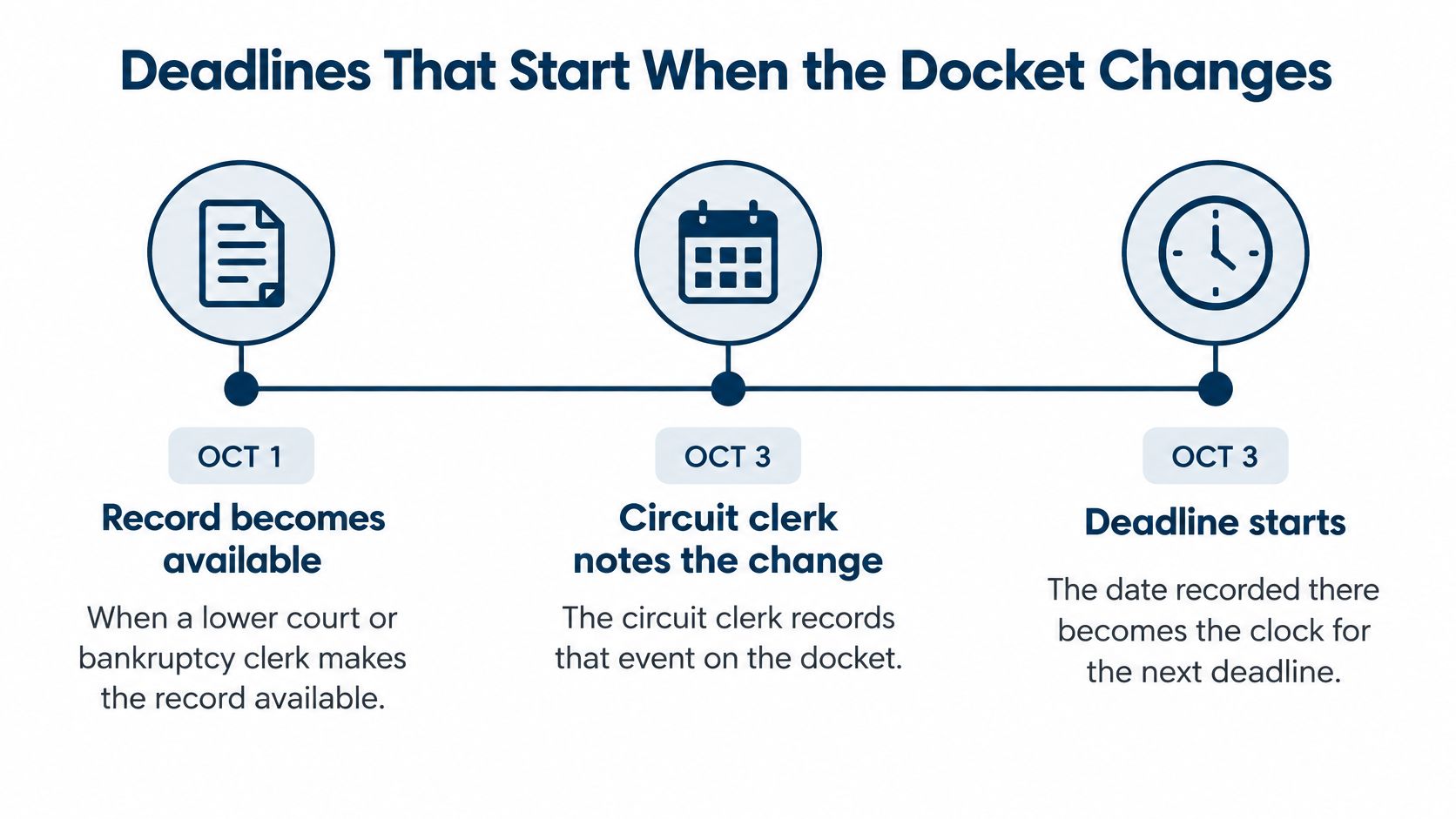
A docket entry can have legal significance beyond recording history. Under the Federal Rules of Appellate Procedure, when the district clerk or bankruptcy appellate panel clerk makes the record available, the circuit clerk notes that fact on the docket; the recorded date becomes the filing date of the record, and the clerk must immediately notify the parties.
That rule establishes a particular filing date. It doesn't mean every appellate deadline runs from docket entry. Always identify the trigger in the rule or order governing the task.
Turn a trigger into an assigned date
The Tenth Circuit's local rules require a docketing statement on the court-provided form within 14 days after an appeal is docketed, and impose that period after docketing for a petition for review or application for enforcement. This is a court-specific requirement, not a universal appellate deadline.
Use a documented calculation sequence:
- Identify the event named in the applicable rule, such as docketing of the appeal.
- Capture the court-recorded date associated with that event, rather than the date a colleague forwarded the notice.
- Apply the stated period to the correct trigger.
- Check time-computation rules, including treatment of weekends, holidays, and any applicable service provisions.
- Assign a named owner who will prepare or supervise the filing.
- Verify the result against the current rules and any case-specific order before acting.
The distinction between court days and calendar days deserves an explicit check. Don't infer the counting method from the number of days alone.
Calendar safeguard: Store the trigger, controlling authority, calculated date, and reviewer together.
Label dates by their authority
Court-set dates come from an order or schedule. Rule-based dates require calculation from a specified event. Provisional dates are planning entries that still need confirmation.
Keep those categories distinct. If a hearing moves, don't assume an associated filing deadline also moves. Read the new order, identify exactly what changed, and preserve the reason for every calendar revision.
Sealed, Redacted and Missing Entries
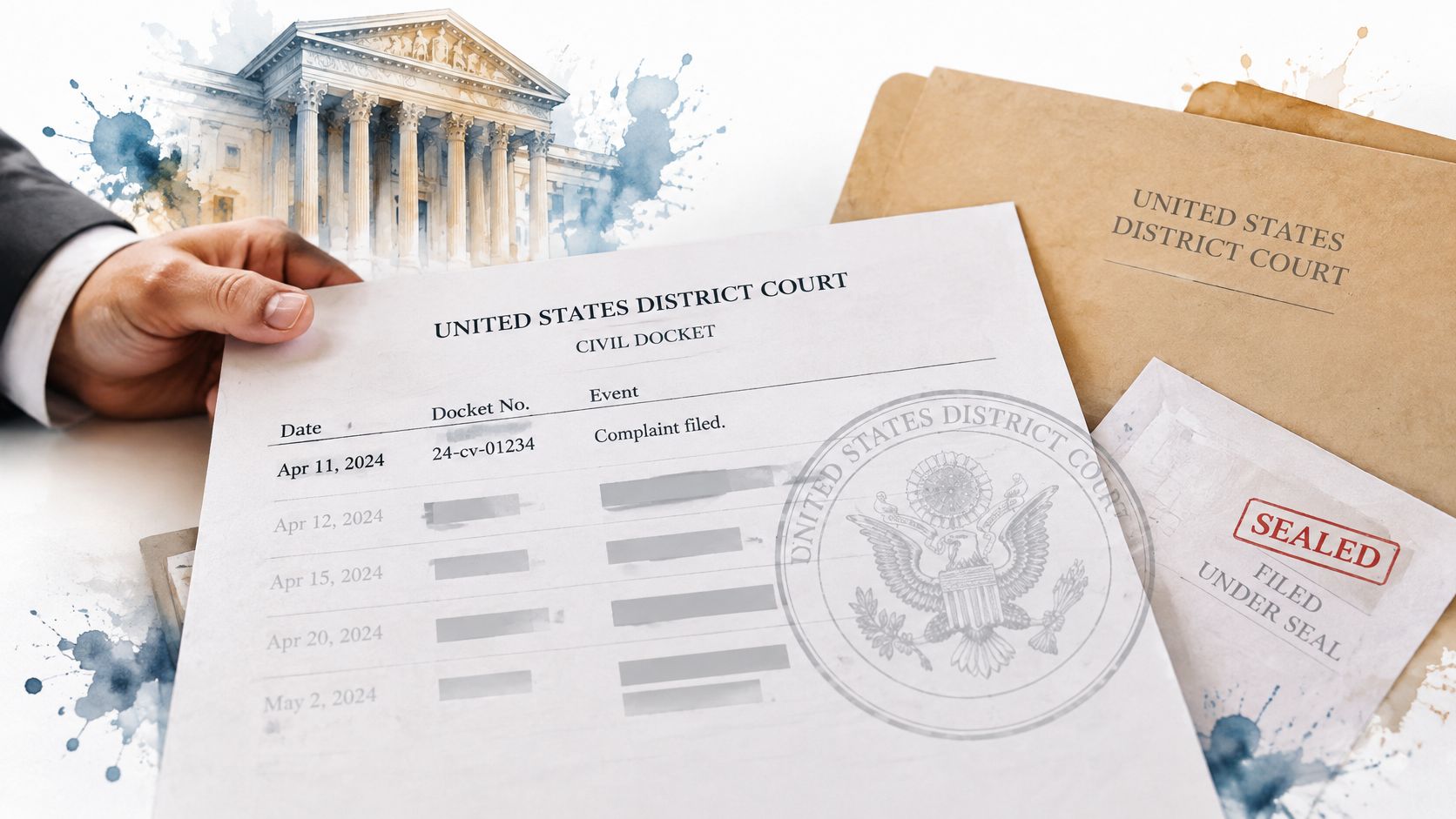
A public docket isn't the whole case file. It may show that an event occurred without revealing what the filing said, and restricted access can explain an apparent gap.
The Fourth Circuit's sealed and confidential materials guide describes limits on access to sealed materials and procedures for public redacted versions. An appellate docket may remain publicly accessible even when underlying materials aren't, and confidentiality issues can limit access while the court considers sealing.
Mark what you can actually see
Use a simple visibility label beside each relevant entry:
- Fully visible: The entry and linked public document are accessible.
- Partly visible: You can read metadata or a redacted document, but not the complete filing.
- Sealed: Access restrictions prevent you from reviewing the protected material.
- Awaiting a public version: The available record indicates that a public version is expected or required, but you haven't located it.
Don't use the last label merely because you hope a public copy will appear. A redacted version may arrive later, or the applicable procedure may leave that question to the court.
Missing access is not evidence that nothing happened.
Resolve gaps without guessing
If an unavailable document may affect a deadline, contact the clerk's office for procedural clarification. Ask which entry or public order governs the obligation and how an authorized party should obtain access. Don't ask staff to disclose protected contents or provide legal advice.
Record who responded, when, and what they said. If the uncertainty remains, escalate it to the responsible attorney and keep the unresolved issue visible.
Also distinguish a missing attachment from a missing event. A visible entry with an inaccessible document calls for a different response than an expected filing that hasn't appeared. Logging that distinction prevents a sparse public record from becoming an unsupported conclusion about case activity.
Tracking One Appeal from Notice to Mandate
Consider a hypothetical appeal. The firm files its notice late on Monday evening, and the legal assistant reviews the recorded activity Tuesday morning. The team preserves the filing confirmation and checks whether the appellate court has opened a separate case.
That morning's review isn't treated as the filing event. It's the team's review time, recorded separately from the court's information.
Opening and briefing
The docketing notice arrives. It supplies the appellate case number and may include scheduling instructions. The assistant confirms the parties and originating case, adds the appeal to the watched-matter list, and routes any required opening documents to the assigned attorney.
A local filing requirement needs attention. If the governing circuit requires a docketing statement, the team creates a separate task from the docketing event. It uses the applicable local-rule period and form rather than borrowing a deadline from another circuit.
The briefing order follows. The assistant opens the order, identifies each obligation, and creates calendar entries with preparation reminders. The attorney responsible for the brief receives ownership; document collection and review tasks go to the people doing that work.
| Event in the hypothetical appeal | Record the team keeps |
|---|---|
| Case opened | Appellate number and docketing notice |
| Schedule issued | Order and assigned obligations |
| Brief submitted | Filing confirmation and response review |
| Due date changed | Amending order and revised calculation |
| Mandate issued | Mandate and closure review |
Changes and completion
The appellant files a brief. The team checks the governing rule and schedule for the next party's obligation. It doesn't turn the date someone downloaded the brief into a substitute trigger.
The court changes a due date. The assistant saves the new order, updates the affected event, and documents the authority for the revision. Related tasks receive a separate review because the order may change only part of the schedule.
A restricted filing appears. The team flags the visibility limit and asks the responsible attorney whether authorized access or procedural clarification is needed. It leaves any affected obligation open until someone resolves the uncertainty.
The mandate arrives. The team confirms the appellate status and checks for remaining work, including lower-court follow-up. It records the court's closure information and the firm's administrative closure separately.
The result is more useful than a collection of notices. Another staff member can reconstruct what triggered each task, who handled it, and why a date changed without searching through personal inboxes.
Set Up a Docket Check Routine You Can Trust
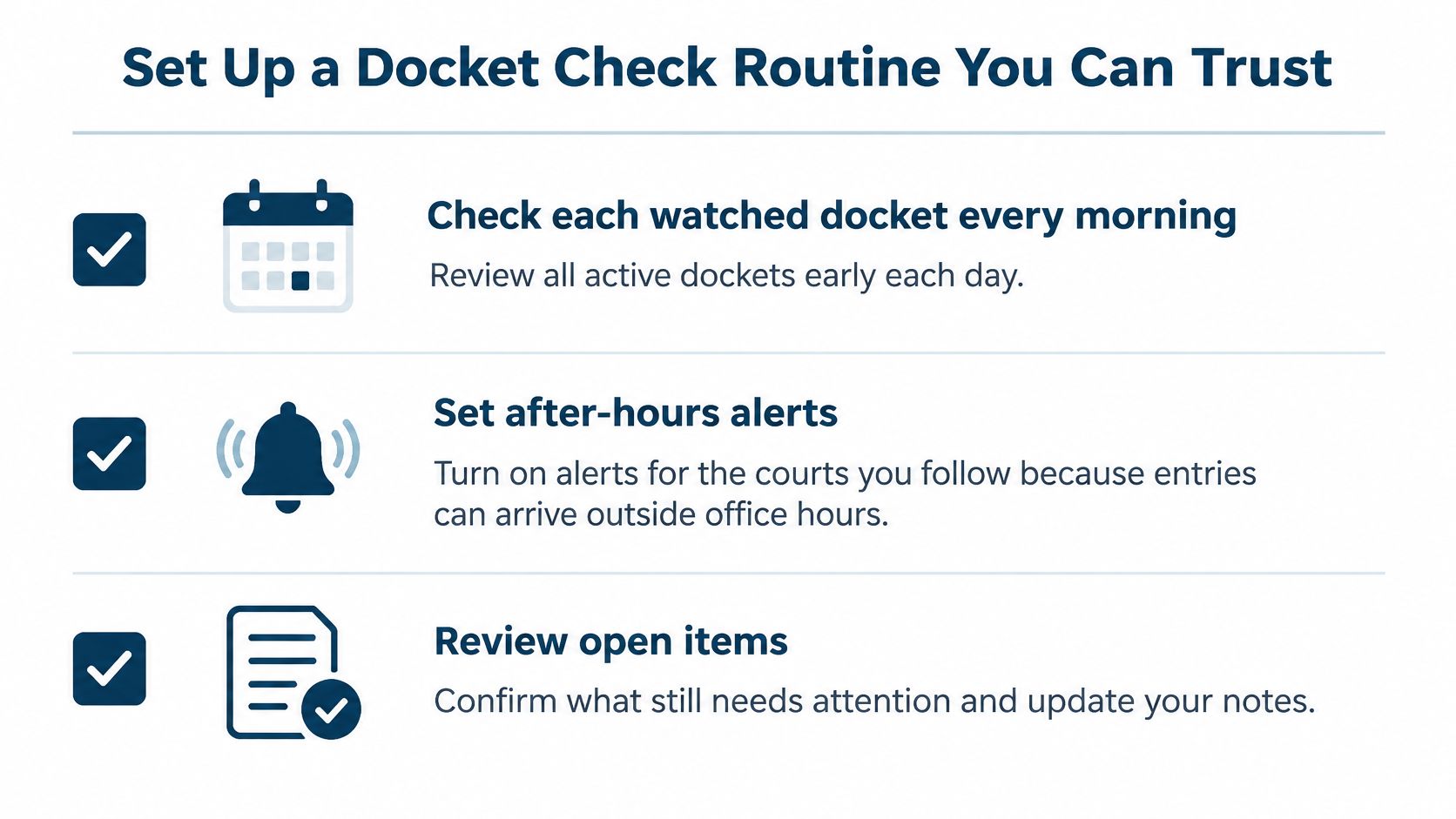
Adopt a routine that another person can repeat when you're away. Check watched dockets each morning, review after-hours alerts, and send unclear entries to a designated reviewer rather than leaving them in an inbox.
Make review visible
- Every Friday: Review open deadlines, unresolved access issues, and tasks without an owner.
- At quarter-end: Review PACER usage and remove unnecessary repeat searches.
- With each calculated date: Retain the trigger, rule, reviewer, and supporting order or notice.
We offer docket monitoring and rule-based deadline calculation through MatterAlert. Our court dockets and notices cover all U.S. federal jurisdictions plus 40+ state courts, but docket availability and rule coverage are separate and vary by court and jurisdiction, especially in Canada. Confirm your specific courts and rule sets during a demo before relying on them.
Pick one active case this week. Run a focused docket search, compare the recorded obligations with your calendar, and resolve every unexplained difference with the responsible attorney.
MatterAlert brings docket access, deadline calculation, assigned tasks, and calendar coordination into a matter-centered workspace. Visit MatterAlert to arrange a demo using an active appeal, and check how your courts, notices, and deadline rules fit the workflow.