

It's Friday at 4:40. You're staring at a blank timesheet. Monday's hearing prep is clear. Tuesday is a fog of calls, a clerk's office run, and a research detour you swore you'd log later.
So you guess. Round up here. Round down there. And three weeks from now, a partner cuts half of it at prebill because nobody can tell what those entries mean.
Good billable hour tracking isn't about working harder at the timer. It's about protecting each hour through five stages, from the moment you capture it to the moment the client pays it. Miss a stage and the hour dies.
Billing Increments That Set Your Invoice Totals
A three minute call can bill as six minutes, 15 minutes, or a full hour. Same work. Wildly different invoice. The only thing that changed is your firm's billing increment, the minimum unit your system rounds time to.
The State Bar of Texas guidance on billing increments describes common minimum increments of one-quarter hour, equal to 15 minutes, or one-tenth of an hour, equal to 6 minutes, and notes that a substantive three-minute call may be recorded when the lawyer is entitled to compensation for that work.
Increment choice sits early on the path from entry to cash. The work already happened, and the rounding rule now decides what the client sees on the invoice.
What the Same Call Becomes
Billing increments and what a three-minute call becomes
| Increment | Minutes per unit | Billed for a 3-minute call | Where it fits |
|---|---|---|---|
| One-tenth of an hour | 6 | 6 minutes (0.1 hour) | Common in many firms today |
| One-quarter hour | 15 | 15 minutes (0.25 hour) | Older standard, still used in some offices |
| One minute | 1 | 3 minutes (0.05 hour) | Less common, mainly for short tasks |
| Thirty minutes | 30 | 30 minutes (0.5 hour) | Rare, and hard to defend for short calls |
Read the table top to bottom and the risk gets obvious. A client who agreed to tenth hour billing expects 0.1 for that call. Hand them 0.25 and you've started a fight over nine minutes. Take the thirty-minute row and the billed time runs ten times the actual work, which is why that row stays rare.
Rounding Must Follow the Work
An increment isn't a licence to inflate. It has to bear a reasonable relationship to the task. A four minute check in billed as a full hour fails review because the billed time doesn't resemble the work, and a client auditor will say exactly that.
Rounding problems rarely surface at the timer. They surface at prebill, weeks later, when a reviewer cuts the entry and an hour you already earned dies on the way to cash.
Practical rule: Store three numbers separately, the actual duration, the applied increment, and the billed time. If rounding is visible, you can defend it.
That separation helps your reviewer too. She can see the call ran three minutes, the firm rule rounded it to six, and the math checks out. Nothing looks padded.
Before you enter a single hour this week, check which increment your engagement letter uses. I would start there, not with the software settings. If the letter and the system disagree, the letter wins in a dispute and your entries lose.
Entry Fields That Survive Invoice Review
Weak entry. "Case work, 2.5 hours."
Strong entry. "Reviewed deposition transcript pages 40 to 88 for admissions on delivery date, 1.2 hours."
One gets paid. The other gets questioned, cut, or both. And the difference isn't writing talent, it's fields.
Required fields for every time entry
| Field | What to store | Example |
|---|---|---|
| Matter | Matter number and client name | 2026-0147, Rivera Transport |
| Timekeeper | Name of the person who did the work | Dana Price, senior associate |
| Date worked | Date the service was performed | 14 March 2026 |
| Entry date | Date and time the record was created | 14 March 2026, 11:42 a.m. |
| Actual duration | Minutes worked before rounding | 24 minutes |
| Billing increment | Rule applied to the duration | 6-minute |
| Billed time | Result after rounding | 0.4 hour |
| Task code | Category such as research, drafting or court appearance | Drafting |
| Description | Specific work performed | Drafted reply to motion to compel, sections II and III |
Why Separate Entries Win
The National Consumer Law Center guidance on attorney fee hearings advises recording work as soon as a file opens and warns against block billing, which combines several activities in one entry. Its example separates file and evidence review, legal research, calls, and drafting instead of grouping them into one 2.5-hour line.
Block billing hides duplicated work. Two associates researching the same issue on the same morning looks fine inside a big block and terrible as separate lines, which is exactly why separate lines matter. Your supervisor can spot the overlap before the client does.
The Two Fields Firms Skip
Most firms capture matter, date, and description. They skip actual duration and task code, then wonder why reporting is useless. Without actual duration you can't audit rounding. Without a task code you can't compare drafting time across matters or spot one category eating the budget.
Apply this test to every description. A reader who wasn't in the room should know what you did and why it took that long. Name the document, the pages, the person you called.
Mark non-billable and pro bono time at entry, not at billing. Time flagged late slips onto client invoices by accident, and unwinding that costs trust.
Note AI help too. When a draft starts with generative AI, say what you changed and verified. An independent 2025 survey of nearly 300 legal professionals found that almost half save one to five hours per week with generative AI and 90% expect AI to reshape billing practices within two years. Clients will ask what the machine did. Your entry should answer before they ask.
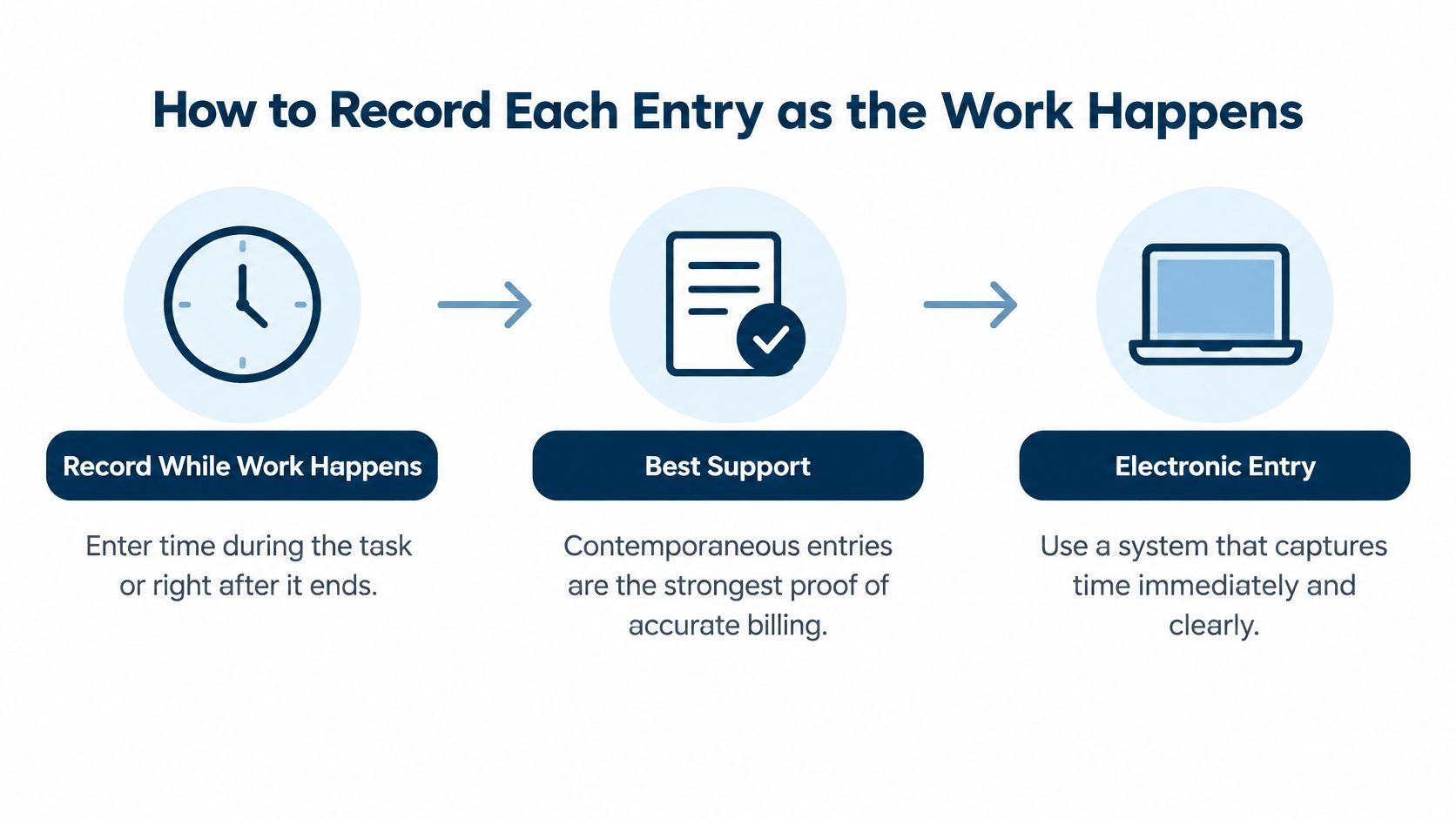
How to Record Each Entry as the Work Happens
Record time while the work happens or right after it ends. That's the whole system. Everything else is detail.
The American Bar Association guidance on tracking time states that lawyers must record billable time accurately and identifies contemporaneous entries as the best way to support accurate billing. It also notes that electronic entry by each timekeeper, including lawyers and paralegals, can send records directly into a billing system.
Memory is the enemy here. Wait until Friday and the short calls vanish, the quick email review shrinks, and a research session gets rounded into a tidy block that never existed.
Six Steps for Every Entry
- Open the matter before you start. Time should land on the right file from the first minute. The common slip is working from an email thread, then guessing the matter later and charging the wrong client.
- Start a timer or note the start time. Put it in the task or event itself so the entry inherits the matter. And restart it after interruptions, because a timer left paused through an afternoon is lost time you'll never rebuild.
- Log interruptions as separate entries. A client call mid draft is its own line, with its own description. Lumping it into the drafting block inflates the draft and buries the call.
- Write the description as you finish. Name the document or action, such as "Drafted response to motion to compel, sections II and III." Write it while the work is fresh and the details cost you nothing.
- Choose the task code that matches. Research, drafting, court appearance, client call. Picking "general" to save two seconds destroys your reporting for the whole quarter.
- Save it in the same session. Mark billable, non-billable, or pro bono status right there. An entry saved today needs no defence. An entry rebuilt next week needs a story.
Tools That Support the Habit
The tool matters less than the placement. Capture works when the timer sits inside the task you're already doing, not in a separate app you open out of guilt at day's end. If you're comparing options, our roundup of apps for lawyers covers what to look for, but I'd judge any tool on one question. Can a busy associate log an entry in under a minute without leaving the matter?
Could you defend this line to a client in a fee dispute, today, without calling anyone to ask what it meant? If not, fix it now.
A clean entry is boring. Matter, date, duration, code, plain description, saved the same day. Boring entries get approved fast, invoiced fast, and paid without a phone call. Interesting entries, the vague ones, the reconstructed ones, the oddly round ones, those are the ones that stall.
Reconstructed Time Records and How to Avoid Them
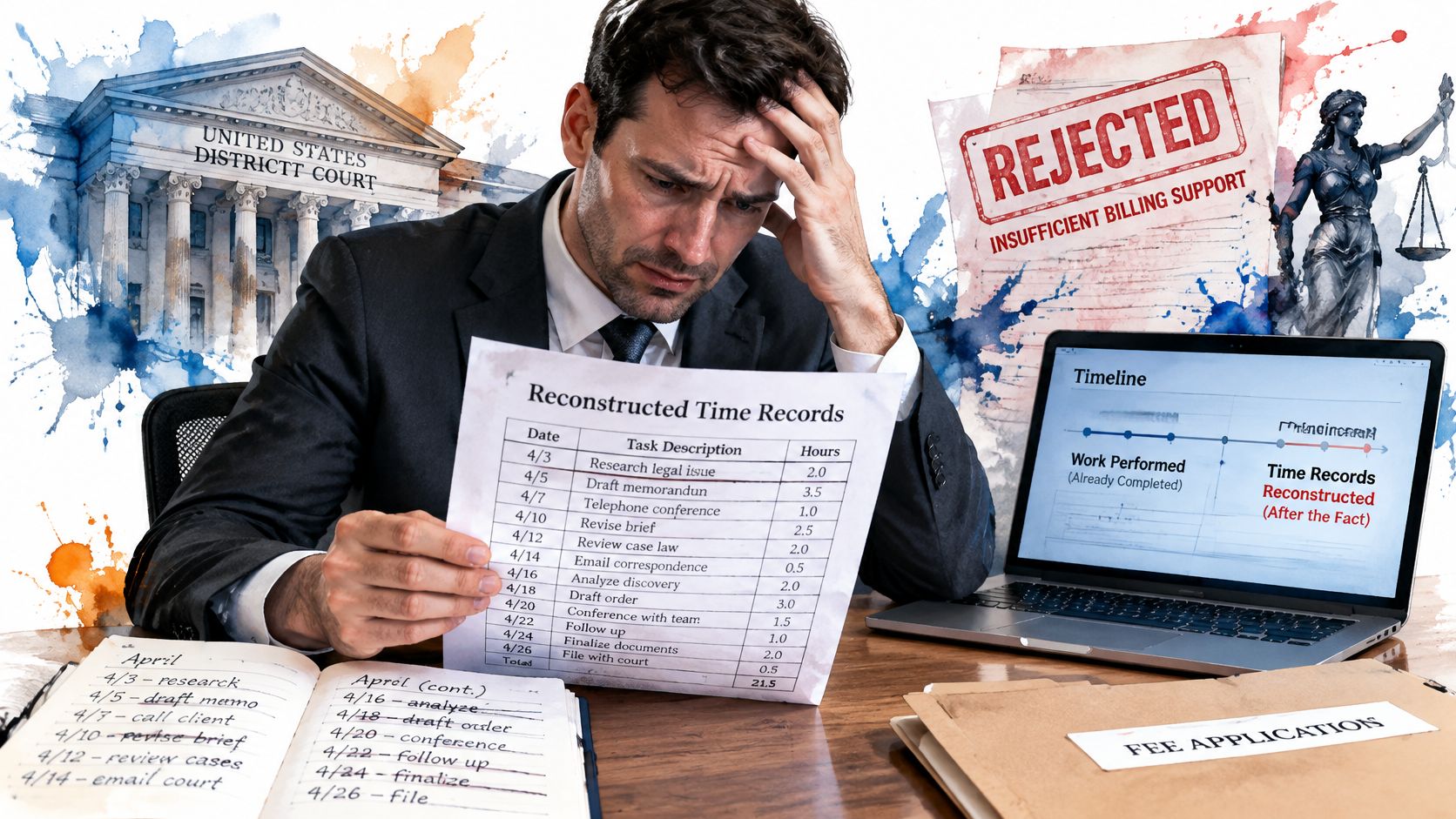
An accurate total isn't enough. That assumption sank a fee application.
In the federal court opinion in Liriano Urena v. 0325 Tuta Corp., the court explained that contemporaneous records must show entries made as the work was completed, or at least prepared at or near the time of performance. The court rejected a declaration that said the attorneys recorded time accurately but did not establish when the individual entries were created.
Read that twice. The court didn't say the hours were fake. It said the timing wasn't proved. And without proof of timing, the records failed.
Fields That Prove Timing
- Entry date: When the record was created, not just the date worked.
- Service date: The day the work happened.
- Timekeeper: Who did it, on every line.
- Time spent and description: Enough detail to stand alone months later.
- Edit history: Who changed the entry, when, and from what.
Warning Signs to Hunt Down
A Friday batch entry covering the whole week. Time rebuilt from calendars the night before invoicing. Edits made after a bill has gone out. Each one tells a reviewer the record was manufactured, even when the work was real.
Three controls fix most of this:
- Lock entries after a set window. Twenty four to 48 hours usually works, with supervisor approval for later changes.
- Require a reason code for every late edit. "Wrong matter" and "corrected duration" are fine. Silence isn't.
- Pull the audit trail when a client questions a bill. Don't summarise. Show the creation timestamps.
The cost of skipping this isn't abstract. It's a write-off you didn't budget, a fee fight you can't win on paper, and a partner explaining your record keeping under pressure. Lock the window, keep the trail, and that conversation gets much shorter.
Where Captured Time Leaks Before Cash Arrives
Capturing time is stage one of five. Most firms celebrate stage one and lose money at stages three and four.
Five stages from captured time to collected cash
| Stage | What it measures | Warning sign |
|---|---|---|
| Time captured | Hours recorded in the system | Gaps in busy deadline weeks |
| Time submitted | Hours sent for prebill review | Large drop from captured hours |
| Time approved | Hours that survive partner review | Repeated cuts by the same reviewer |
| Time invoiced | Hours that appear on client bills | Invoiced hours well below approved hours |
| Time collected | Hours the client actually pays | Aged balances on matters with approved time |
Walk the table left to right with your own reports. Where does the number drop? That drop is your leak, and each stage leaks for different reasons.
Thomson Reuters reported that the average partner writes down approximately 300 hours of personal time annually, excluding additional reductions affecting other timekeepers. The same reporting describes a 2025 legal-industry survey where 80% of surveyed professionals use invoicing software, yet 27% saved one to five hours monthly, 16% saved six to ten hours, and 12% saved eleven or more hours.
So better capture alone doesn't fix realisation. Capture more hours with vague narratives and you'll just generate more hours for a partner to cut. Admin volume goes up. Cash doesn't.
Run the Diagnostic
- Pull hours captured by matter for the last quarter.
- Compare captured with submitted hours for prebill review. A gap here means timekeepers are self editing before anyone sees the work.
- Compare approved with invoiced hours. A gap here usually means billing staff are holding entries back, often for narrative problems nobody reported.
- Compare invoiced with collected. Approved, billed, and still unpaid points at rate disputes or scope arguments, not timekeeping.
- Tag every gap with a cause. Budget pressure, vague narrative, rate dispute, or duplicate work. No tag, no fix.
Patterns Worth Acting On
In multi-jurisdiction litigation, deadline driven work, reassignment, and emergency tasks create gaps that look like individual failure. They aren't. An associate pulled onto a filing crunch in another state will have messy capture that week, and blaming her changes nothing.
Look for structural patterns instead. Say approved time gets cut every month for one task code on a single matter. That's usually scope creep in discovery, and the fix is a client conversation and a revised budget, not a timekeeping lecture.
Cut the data by matter, client, attorney, task code, and office. The leak always lives in one slice. Find that slice and you've found the pricing, staffing, or narrative problem hiding behind your hours.
Set Up Your Weekly Billable Time Review
Start this next Monday. Thirty minutes is plenty if the routine stays fixed.
- Check completeness. Every entry from last week needs a duration, task code, and description. Send incomplete lines back the same day.
- Flag old entries. Anything created more than two days after the work gets a confirmation from its author.
- Review rounding. Look at entries that cross an increment boundary and confirm the billed time matches the firm rule.
- Compare captured with submitted hours for each open matter. Note which matters carry the largest unexplained gaps.
- Record a reason for every write-down before the monthly invoice run, while the reviewer still remembers why.
The routine fails if the rules live only in the meeting. Put the increment and the entry window into your engagement letter template, so clients see the same rules your reviewers enforce. Our guide to legal operations management covers how to standardise templates like these across offices.
For step four, MatterAlert logs billable, non-billable, and pro bono time from tasks and events and produces reports by timekeeper, matter, client, or office, with task code support and detailed reports by date, user, or status.
Make one decision before Friday. Choose the increment, set the entry window, and book the first review. A mediocre routine run every Monday beats a perfect policy nobody opens.
Stop rebuilding your week from memory and start logging time where the work already lives, inside your tasks and events, with audit trails and reports by timekeeper, matter, client, or office built in. Visit MatterAlert to see how it keeps every captured hour defensible from entry to invoice.