

It's 4:40 p.m. on Friday. A court notice hits the shared inbox. The response is due Monday. You open the matter calendar, the attorney's Outlook, a spreadsheet still named "deadlines FINAL," and a March email thread. Nobody agrees on the date.
That scramble is why firms buy apps for lawyers in a hurry, and why some of those apps sit unused by the next hearing. The American Bar Association's 2024 Legal Technology Survey reported that 73% of firms use cloud-based legal tools, and that 85% of litigators use electronic court filing. The software is already in the office. The job that still breaks is the date.
This guide covers ten apps that aim to stop that scramble. It doesn't sort them by sticker price or by how many boxes a vendor checks. It sorts them by the job that fails first: deadline calculation, docket monitoring, matter workflow, or time capture. Some apps calculate court deadlines from rules. Others only store a date someone typed. Those are not the same product.
MatterAlert is our own platform, and it gets the same pass as the rest. You'll see where each tool fits, where it falls short, and what to verify before you pay for seats.
1. MatterAlert
MatterAlert, from PaayaTech, is a fully web-based docketing, calendaring, and tickler system. It runs in a browser on desktop, tablet, or phone, with no installations and no Outlook add-in. Deadline calculation is the job it was built around, and matter workflow sits next to it. I wouldn't buy it for time and billing alone.
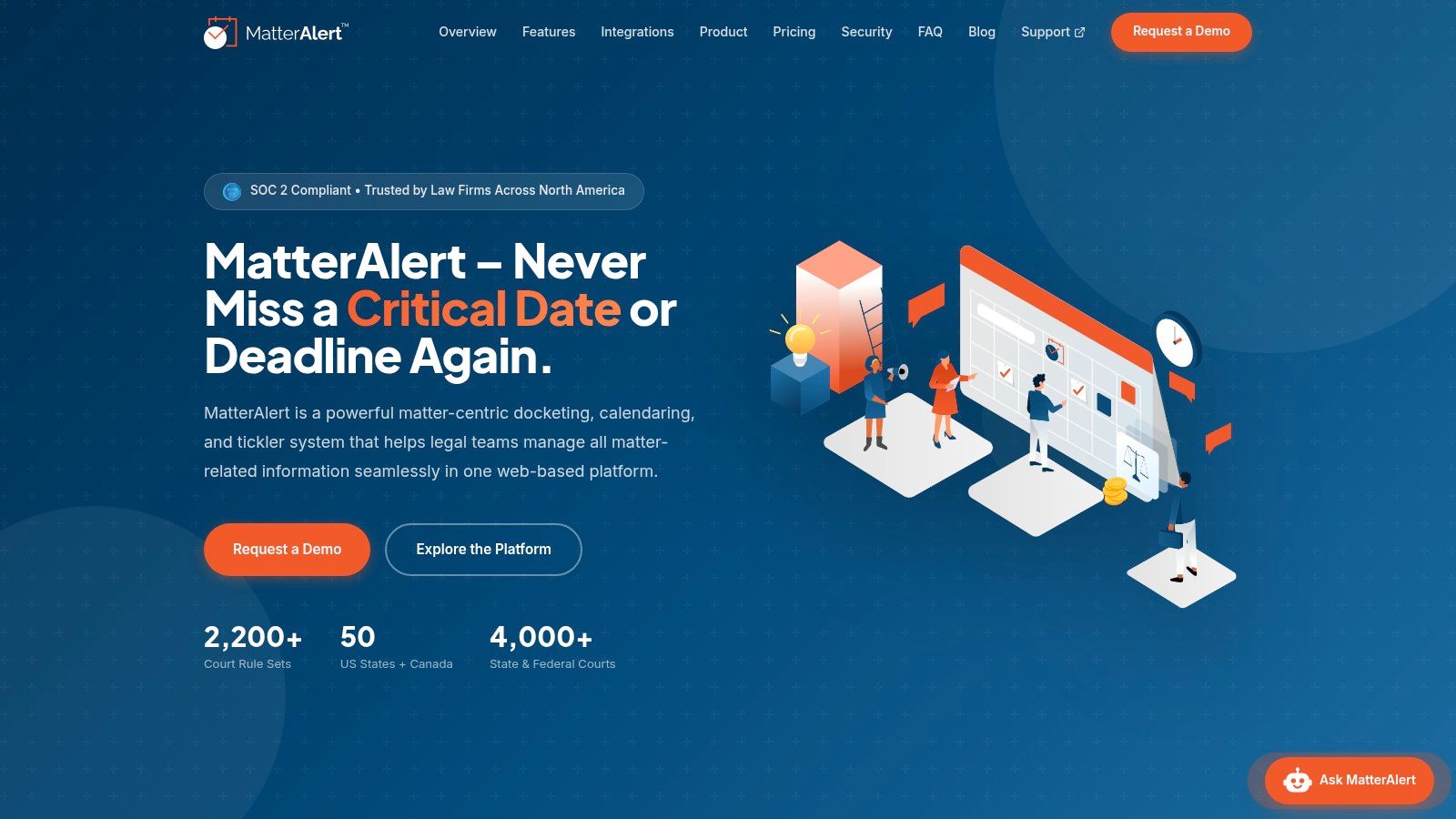
CalendarRules calculates deadlines from trigger dates using more than 2,200 court rule sets across all 50 U.S. states and select Canadian jurisdictions, with weekend and holiday adjustments. When a court updates its rules, the related calendar events update. A blank date field can't do that.
Docket monitoring is a separate function. Through UniCourt and PACER, users can search by name, docket number, jurisdiction, or dates across all U.S. federal courts plus 40+ state courts and Canadian jurisdictions. Coverage is not universal, especially in Canada. Confirm your courts in a demo before you treat a feed as complete.
Pulling those dockets isn't free research. The PACER pricing FAQ charges $0.10 per page, and a single case document or case-specific report is capped at $3. A monitor that grabs full reports all day can run a bill your spreadsheet never showed.
What the screen does on a live file
Templates for litigation, intellectual property, family law, or a client-specific set generate tasks, events, and documents at matter setup. Dashboards, Kanban boards, reminders, and escalation show work that stalled. Assistants can manage attorney calendars alongside their own, create and assign tasks, and enter time on an attorney's behalf. If an attorney leaves, a docketing manager reassigns events, appointments, and tasks across one matter or many in a few clicks, and the changes sync to every subscriber calendar.
Calendar changes reach Outlook within one minute. The platform connects to Microsoft 365, Exchange, Teams, iManage, NetDocuments, Thomson Reuters Elite 3E, and Aderant. SOC 2 compliance, Microsoft 365 single sign-on, ethical walls, role-based permissions, and audit logs sit in the core controls.
PaayaTech doesn't publish per-user pricing, so get a quote during the demo before you budget for seats. Licensing covers every user who opens the app or receives calendar sync, including clerks and assistants, while passive calendar-invite recipients don't need a license. Implementation typically takes four to six weeks, with a dedicated project manager and 90 days of enhanced post-launch support.
Practical rule: An automated date is a draft until someone who knows the local rule checks the trigger, the service method, and the court's calendar.
Law firms across North America run it, though the public site doesn't name testimonials or awards. Treat that as a gap. The natural fit is a solo or small firm that wants repeatable matter templates and shared calendars without desktop software, or a larger firm that needs bulk reassignment and ethical walls across offices. It doesn't fit a firm whose courts sit outside the covered rule sets, and automated math still needs a human check.
2. Clio Manage
A missed deadline usually starts upstream, with a task nobody owned or time nobody entered. Clio Manage is built for that kind of breakage. Matters, contacts, documents, tasks, time, billing, and calendars sit in one cloud system, so the file, the ledger, and the calendar point at the same record.
Clio's 2024 Legal Trends Report found that law-firm software spending rose by an average of 20% per year from 2013 onward, while average revenue growth was 9% annually. Firms are already paying for software. A second calendar that doesn't talk to the matter record just adds another bill.
Clio sells per-user plans, and what each tier includes changes, so compare the current tiers on Clio's pricing page before budgeting. Some advanced functions sit behind a higher plan or an add-on, which is where a cheap quote can turn expensive.
- One record for the matter: Contacts, documents, tasks, and time live together, which ends the "which spreadsheet is current" hunt.
- Billing in the same place: Time, expenses, invoices, and online payments run without a separate ledger app.
- A wide integration list: Connect the legal and business tools you already run instead of replacing them on day one.
The trade-off is deadline math. Clio's calendar holds dates; it does not calculate a response deadline from a state or federal rule set. Clio fits a firm building a connected stack across offices. If litigation dates are the risk, pair it with a calendaring tool that applies court rules to the trigger date, then confirm coverage for your courts before you rely on it.
3. MyCase
MyCase is the straightforward daily driver. Case and contact management, time entry, invoicing, trust accounting, a client portal, and document storage. MyCase prices per user, and its plan pages list what each tier includes, so you can compare them before a sales call. That matters when the partner wants a number today.
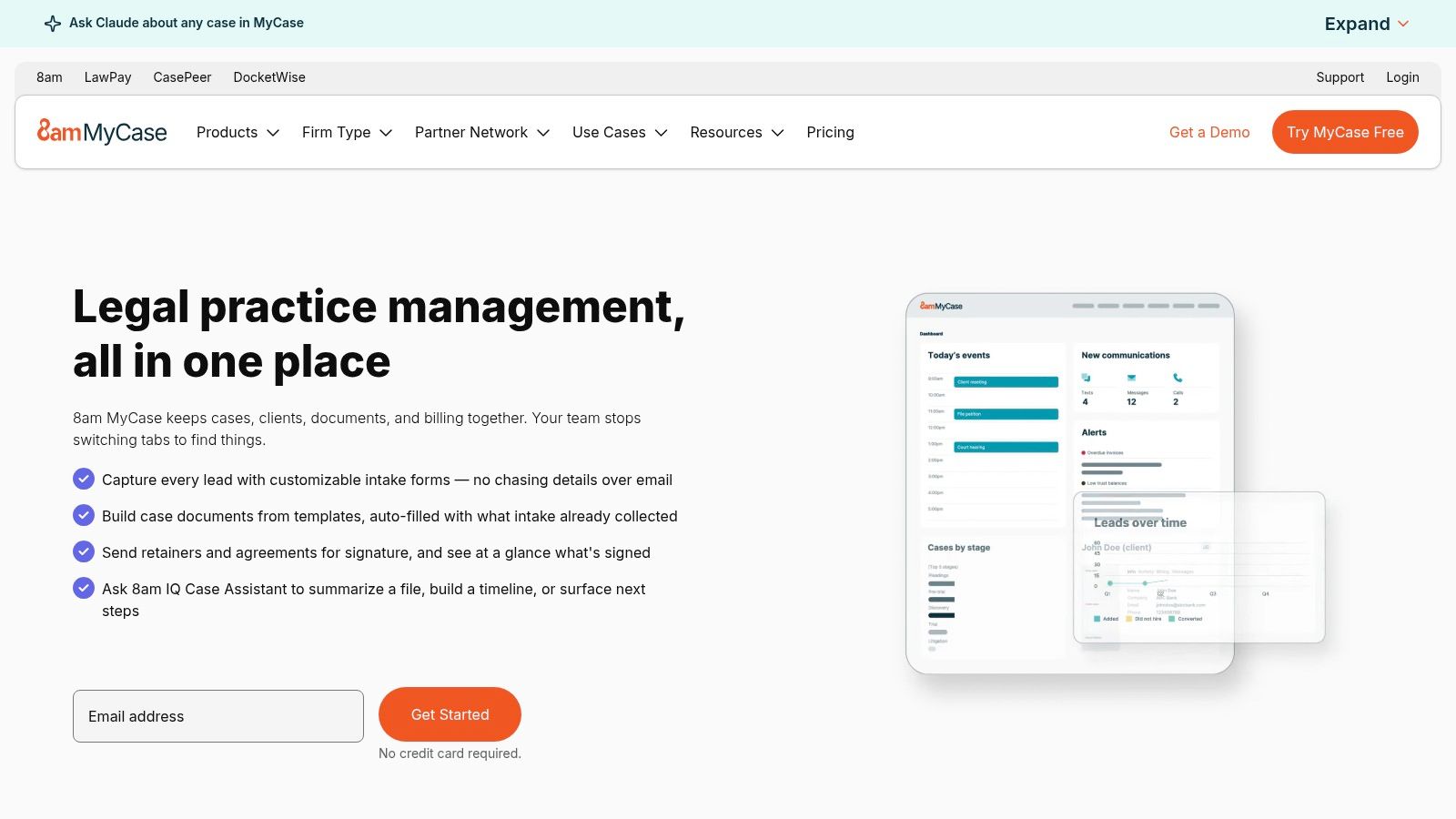
Higher tiers add workflows, intake forms, texting, e-signatures, and reporting. Integrations include Microsoft and Outlook-related tools, QuickBooks, and LawToolBox. That last name is the tell. If you need rules-based dates, confirm that LawToolBox is on, and which courts it covers, before you buy the base plan and call the calendar finished. A calendar that stores what you type is not the same as a rules engine that calculates from a trigger date.
The 2025 American Bar Association Legal Industry Report found that 31% of respondents personally used generative AI at work, while adoption reached 39% among firms with 51 or more lawyers. A small office does not run the same stack as a large one. Buy for the work your staff does day to day, and confirm on a real file that the features you were quoted sit in the tier you were quoted.
A client portal and a trust ledger won't save Monday if the deadline was never calculated.
MyCase suits firms that want routine matter and billing work in one place. It slips when automation and client messaging are locked to higher tiers, or when your courts aren't in the calendaring add-on you assumed was included.
4. PracticePanther
Listed plans run from $49 to $114 per user per month. You can see which features sit in each tier before you talk to sales. That's rarer than vendors admit, and it's the reason I'd shortlist it for a firm that argues about scope in every renewal.
Core work covers contacts, matters, time, expenses, task and event workflows, document templates, a client portal, and mobile apps. Higher plans add intake, two-way texting, e-signatures, and trust accounting. Start on the lower tier only if you don't really need those extras. Moving up later is easy to postpone, and then the intake form never gets built.
For a consumer or family practice that repeats the same tasks, the workflows are the useful part. Say every new custody matter needs the same five tasks and the same client letter. A template stops the assistant from rebuilding that list by hand. For multi-jurisdiction litigation, I wouldn't sign until someone shows the court-rule integration on one of your real courts.
PracticePanther holds up when mobile access and a portal matter, and when public plan pages match the quote. It doesn't hold up if advanced billing and communications are priced as if they were included, or if complex deadlines were sold as "calendar tools" that only store what you type.
5. Smokeball
Smokeball leans on document automation and time capture, not on a public price list. Practice-area templates cut repeat drafting. Automatic time tracking sits in Prosper+ and as an add-on for Grow. Microsoft 365 and Outlook tie the matter work to tools most firms already open every morning.
Pricing is a quote. Firm size, plan, contract term, and optional services all move the number. You can't drop it into a spreadsheet next to a $49 starter and call the comparison fair. Ask what is extra before the demo ends.
In 2023, 46.5% of solo attorneys reported having tablets to assist with their practice, according to the American Bar Association practice-management tech report. A desktop-only habit misses that group. Smokeball's Microsoft tie-in helps if the firm already lives in Outlook. It doesn't help if you need a published per-user rate before the partner meeting.

- Tiers for different workflows: You can match a lighter plan to a smaller practice, then step up.
- Templates that structure repeat work: Practice-area forms reduce blank-page drafting.
- Quote-based cost: Features vary by plan, and some products or services cost extra.
Smokeball fits firms whose pain is lost time and repetitive documents. It is a poor first buy if court-rule coverage is the question you still can't get answered in writing.
6. Rocket Matter
Rocket Matter's published pricing starts at $49 per user per month, billed annually, and a free trial is available. Confirm onboarding charges and the cost of optional CRM before you treat $49 as the actual figure, because CRM is an add-on rather than a default in every plan.
The product covers matter and client management, task workflows, calendaring, time tracking, billing, payments, and trust accounting. Document assembly uses customizable templates, which helps when the same motion shell gets reused with new captions. Mobile access is there for the attorney who won't open a laptop after court.
On the test that matters most in this list, its calendar stores dates. It does not calculate deadlines from court rule sets. If your break point is a missed filing window, plan on pairing it with a rules-based docketing tool or accepting the manual entry.
The Thomson Reuters 2025 Legal Department Operations Index reports that 45% describe the pace of technology advancement in their departments as slow, while 73% plan to use advanced technology to automate legal tasks and reduce costs. Buying the app isn't the same as running it. A trial on one live matter tells you more than a demo deck.
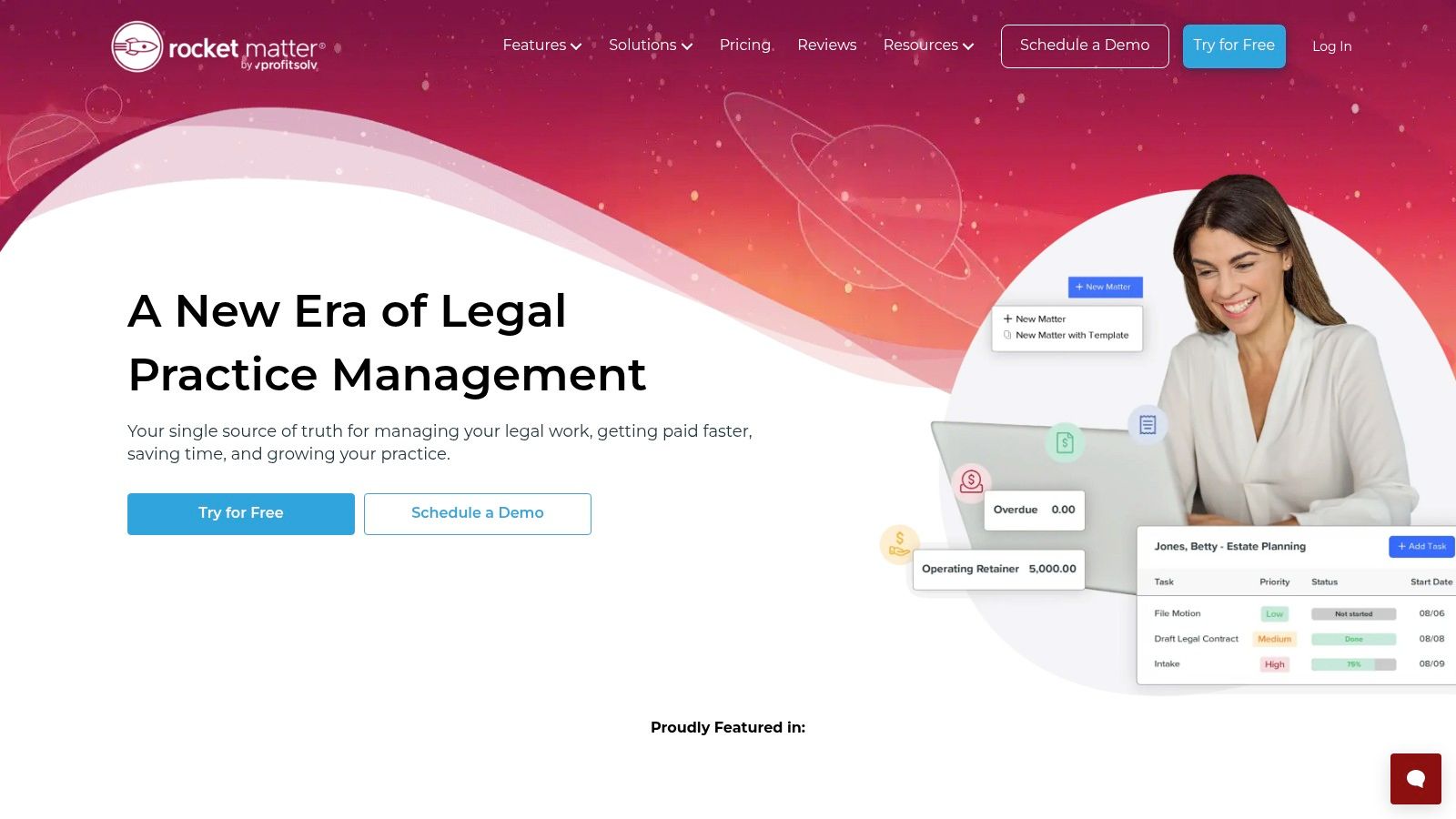
Rocket Matter is a fit when billing and trust accounting need to live with the matter, and when you want a trial before a contract. It isn't a fit if you need CRM in the base price, or if "calendaring" on the feature list has to mean rule calculation instead of date storage. Get the plan inclusions in writing.
7. LEAP
LEAP sells one system instead of a pile of products. Case management, automated legal forms, document templates, legal accounting, billing, and automatic timekeeping sit together, with Microsoft 365 and mobile access. You request a quote. A one-time implementation fee may apply, and some integrations need their own subscriptions.
Data migration from several named legal systems is available. That's the practical reason a midsize firm looks at it. Leaving three old databases behind is harder than picking a logo, and a botched import is how deadlines go missing during a switch.
Thomson Reuters' 2025 research surveyed more than 1,700 legal professionals across the United States, United Kingdom, and Canada and found that 26% were already using generative AI, up from 14% in 2024, per the Thomson Reuters generative AI executive summary. Adoption is still a minority inside firms. Don't let an automatic-timekeeping pitch replace a rules check on a filing deadline.

LEAP holds up when you want practice management, accounting, and templates under one login, and when migration is part of the deal. It falls short when you need a published per-user price, or when a "unified" pitch hides extra subscription fees for the tools you already pay for.
8. Filevine
Filevine is configurable matter management. Tasks, calendars, contacts, documents, secure sharing, document assembly, and payments are in the platform. Optional Timely generates court deadlines. Intake, signatures, and litigation-related products sit beside the core. Custom packages mean you call sales, and you should price every extension before you compare it with a published plan elsewhere.
Configuration is the trade-off. An out-of-the-box calendar is faster to start and worse at matching an odd practice. Filevine can be shaped around your files. It can also sit half-built for months if nobody owns the setup.
A 2025 Law360 Pulse survey of nearly 400 U.S. private-practice attorneys found that 54% reported using generative AI, up from 35% the prior year, and 79% were concerned about AI's imperfect understanding of legal ethics and standards. If Timely or any add-on suggests a date, keep a review step and an audit trail. For the document side of that stack, see our notes on law document management software.
Filevine fits firms that will pay for configuration and want a deadline extension rather than only a calendar. It doesn't fit a team that needs a price on the website this afternoon, or a go-live next week with no one assigned to build the workflows.
9. LawToolBox
LawToolBox does one job on this list. It calculates deadlines from court rules for supported jurisdictions and pushes them to Outlook and other calendars. Microsoft 365 matter workspaces run on Outlook, Teams, and SharePoint, and the company says it tracks court-rule changes daily. Licensing is tied to Microsoft 365 mailboxes, so count every mailbox that receives the calendar sync, not just the docketing clerks.
Coverage spans many state and federal courts, but broad coverage is not the same as your courthouse. Pull the ruleset for your jurisdiction before you buy, then check a calculated date against the rule you practice under. Attorneys still own that check. A rule change that never reaches your calendar is worse than no rules engine at all, because the dates on screen look official.
PACER will not fill a state-court gap. Official PACER materials describe access to federal cases, not every court a firm touches. A filing gives you the trigger date. The response date still comes from the rule, the service method, and the court's own calendar.
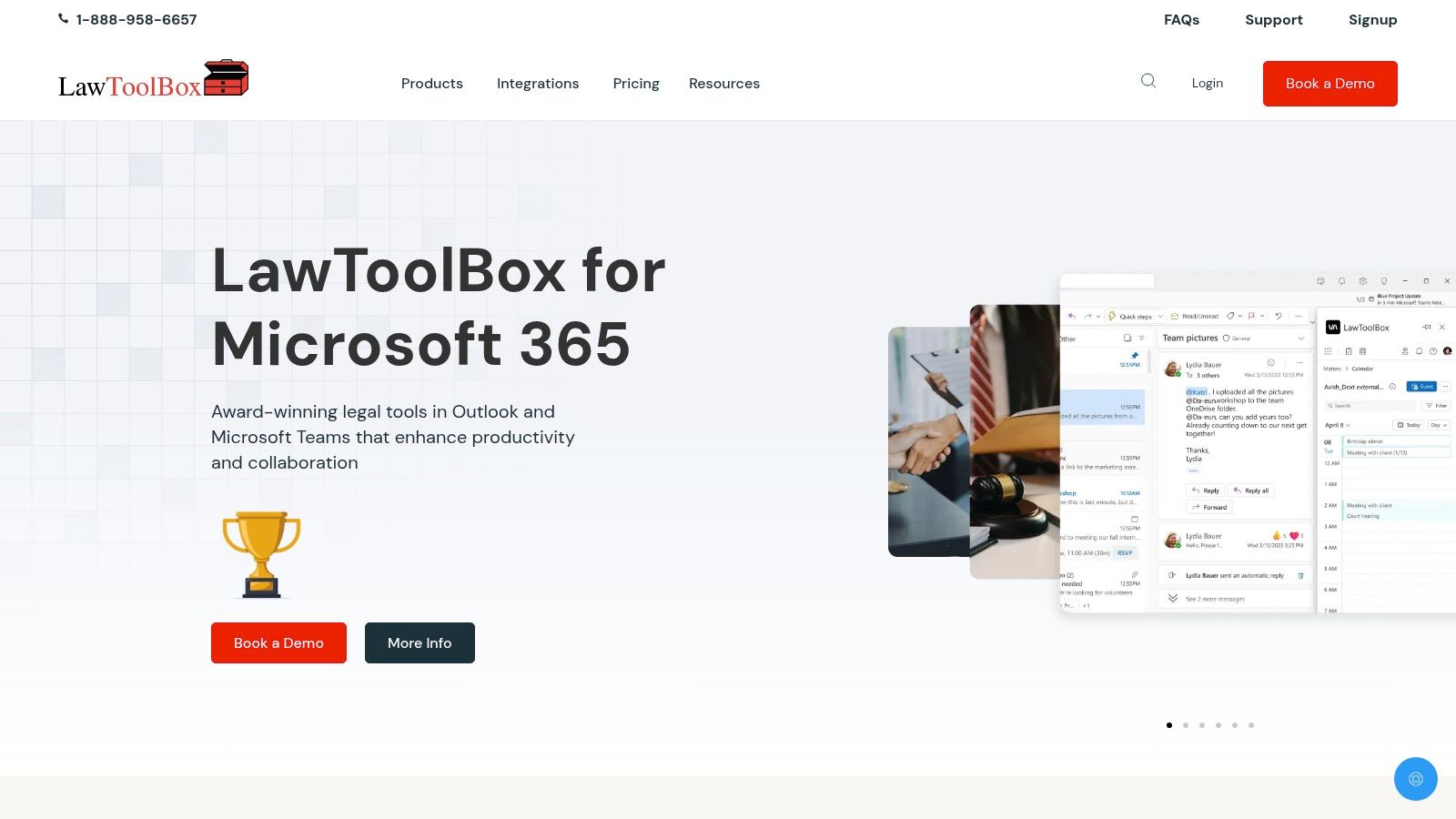
LawToolBox fits a litigation docketing team already living in Outlook and Teams. It doesn't fit a firm that wants practice management, trust accounting, and deadlines in one product, or a jurisdiction the rules library doesn't include.
10. Actionstep
Actionstep aims at midsize firms that want legal work tied to admin and accounting. You get configurable matter and case management, intake, client tools, document management and assembly, advanced calendaring, tasks, workflow automation, billing, accounting, and reporting. Pricing is a quote: per-user fees plus implementation fees. An implementation partner runs the setup, so deployment effort is part of the cost, not a footnote.
Ask one direct question. Does the calendar calculate your court rules, or does it store dates your staff enter? If the answer is vague, it's storage. Advanced calendaring on a feature list has fooled more than one operations lead.
The 2025 ILTA technology survey covered 580 law firms representing more than 152,000 attorneys and about 303,000 total users. That scale isn't a five-lawyer office. A platform built to connect operations can be heavier than the tickler you need on Monday. Our piece on legal workflow automation separates a real workflow from a date field before you fund a full rollout.

Actionstep fits a firm ready to link matter work with accounting and reporting, and willing to pay for an implementation partner. It doesn't fit a quick calendaring fix, or any docket where court-rule coverage is still an open question.
How the ten apps compare on pricing, court-rule deadlines, trials, and best-fit use
The key distinction is whether a tool calculates deadlines from court rules or helps teams manage dates entered by users. The table separates those functions and shows where pricing or trial terms are stated.
| Item | Starting price | Court-rule deadlines | Free trial | Best for |
|---|---|---|---|---|
| MatterAlert | Quote-based | Rules-based calculation across 2,200+ rule sets in all 50 U.S. states and select Canadian jurisdictions | Not stated | Firms coordinating deadlines and matter workflows across jurisdictions |
| Clio Manage | $49/user/month | Rules-based calculation not specified in the article | Not stated | Firms seeking broad practice management and integrations |
| MyCase | $50/user/month, billed annually | Court-rule coverage not specified in the article | 10 days | Firms seeking case management, billing, and client communication |
| PracticePanther | $49/user/month | Court-rule integration and coverage not specified in the article | Not stated | Firms seeking tiered practice management and workflow tools |
| Smokeball | Quote-based | Court-rule calculation not specified in the article | Not stated | Firms seeking document automation and timekeeping |
| Rocket Matter | $49/user/month, billed annually | Court-rule calculation not specified in the article | Available | Firms seeking legal billing, trust accounting, and document assembly |
| LEAP | Quote-based | Court-rule calculation not specified in the article | Not stated | Firms seeking an integrated practice-management system |
| Filevine | Custom pricing | Optional Timely extension generates court deadlines | Not stated | Firms seeking configurable matter management |
| LawToolBox | $29/user/month for 2–9 users, billed annually | Rules-based calculation for supported state and federal courts | Not stated | Litigation teams focused on rules-based calendaring in Microsoft 365 |
| Actionstep | Quote-based | Court-rule coverage not specified in the article | Not stated | Midsize firms connecting legal workflows with firm operations |
Test Two Apps on One Real Matter Before You Commit
Pick two tools from different jobs. One should calculate deadlines from rules. The other should be the system where time, tasks, or documents already live. Don't demo both as blank sandboxes. Load one active matter into each, with a real trigger date, a real court, and the service method you use in practice.
Then compare three things on screen, not on a slide.
- Deadlines: Did the app calculate the date from a rule, or did it wait for you to type it? Note every event that needed a correction.
- Reminders: Who gets the alert, and does an incomplete task escalate, or does it die in one person's inbox?
- Calendar sync: Open Outlook after you change the date. If the attorney's calendar is stale, the app failed the Friday test.
Ask each vendor to confirm your exact courts, including any state or Canadian jurisdictions you handle. A library that looks large on a website can still miss the one superior court on your docket list. Get that answer in writing, with the ruleset name, before you count seats.
Because small offices don't have a docketing department, the test should also include setup time. Who builds the template? Who checks the first ten calculated dates? Who is licensed if an assistant only manages the attorney's calendar? A tool that needs a desktop install or an Outlook add-in on every machine will stall a firm that works from a browser and a phone.
For solo and small firms that want repeatable templates and shared calendars without desktop software, MatterAlert is one option to test in a demo. Check its court coverage against your docket list first, then decide. If a required court isn't covered, stop. No sync speed fixes a missing rule.
Run the same file in the second app the same week. Time how long deadline entry takes by hand versus from a trigger. Count reminders that fired to the wrong person. If review and correction take longer than the old process, you didn't save anything. You only moved the scramble into a new login.
MatterAlert calculates court deadlines from rules, pulls docket activity through PACER and UniCourt where those courts are covered, and keeps tasks, reminders, and Outlook calendars on the same matter. If the Friday notice is the failure you can't afford, compare it on one live file before you add another date store. Visit MatterAlert and book a demo against the courts you practice in.