
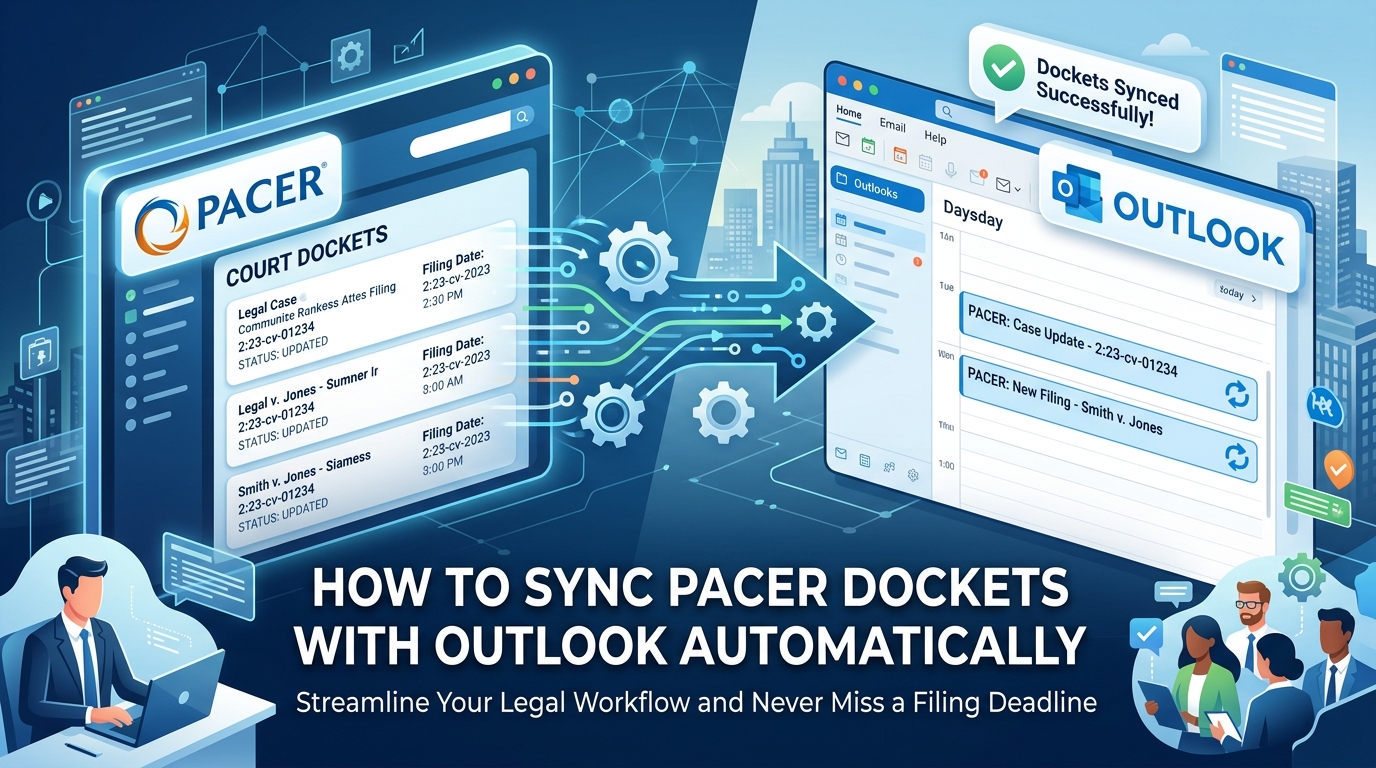
The Workflow Reality: Why Manual Docket Entry is a Risk Factor
PACER Public Access to Court Electronic Records is the federal judiciary's system for viewing case dockets and filings. Every federal litigator depends on it, and almost none of them enjoy it. Notices of Electronic Filing arrive as individual emails, one per event, scattered across matters, attorneys, and inboxes.
Outlook rules offer limited protection. A rule can file an NEF into a folder, but it cannot read the filing, apply the governing rule set, or calculate a response date. It sorts. It does not calendar. Sorting an email into a folder that remains unopened can lead to missed deadlines.
The solution is a direct pipeline from the court database to the calendar automatic PACER docket syncing instead of human transcription.
Common Patterns in Legal Docket Automation
Firms that move past manual entry centralize everything in matter management rather than individual inboxes. Court rule sets calculate the downstream dates; nobody counts days on a desk calendar. The posture shifts from reactive someone notices an NEF and reacts to proactive, where PACER docket alerts populate a litigation calendar before anyone opens the email.
Conventional Wisdom vs. Reality in Legal Tech
Outlook is an excellent calendar and a poor docketing system. It has no concept of a triggering event or a jurisdictional rule. Free PACER scrapers often lack the API hooks needed for reliable PACER docket calendar integration, and shared or reused credentials across tools create an audit problem long before they create a sync problem.
Step-by-Step: Automating PACER to Outlook Integration
The pipeline has three links: the court's CM/ECF system, an automated legal docketing software layer that applies rules, and your Outlook calendar. Before starting, confirm you have active PACER credentials, administrative access to your Microsoft 365 legal calendaring tenant, and a docketing platform with documented SOC 2 controls you are routing privileged case data through it.
Gather your PACER login, CM/ECF filer account, and Microsoft 365 admin consent for calendar write permissions.
Select a docketing intermediary that supports both federal court case monitoring and native Outlook sync.
Configure your ECF notification routing to feed that platform.
Map docket triggers to calendar rules.
Validate the connection with a test matter before trusting it with live deadlines.
Phase 1: Configuring ECF and PACER Data Feeds
Log into your court's CM/ECF portal and navigate to Maintain Your Account → Email Information. Set the secondary email address to your docketing platform's intake address. Save, then confirm the portal displays the new address. Verify tracked matters are also monitored through the PACER Case Locator or a PACER RSS feed for docket updates.
Phase 2: Mapping Dockets to Outlook Calendar Events
Select the rule sets for each matter's jurisdiction FRCP plus the applicable local rules, not one or the other. Enable the Outlook synchronization toggle inside your matter management platform. Assign hard deadlines and reminder tasks to separate categories to differentiate them visually. Open Outlook; both categories should appear.
Phase 3: Validating the Connection and Sync Frequency
Perform a Force Sync and verify that existing docket entries appear in the Outlook view within a few minutes. Check the platform dashboard for sync errors most trace back to expired PACER authentication rather than the calendar side. Set a tighter refresh interval for matters in active trial posture.
Troubleshooting and Sync Logic Considerations
If you're looking for guidance on syncing Fitbit to iPhone or app, this isn't the right guide. Fitness wearables, pedometers that sync with iPhone, and Apple Health force-sync procedures share nothing with federal docketing beyond an unfortunate naming collision.
When this isn't the right approach: high-volume appellate practice, where clerk-issued scheduling orders often arrive outside standard NEF structure and need human review before calendaring. Automate the trigger, keep the attorney verification.
When handling departures, transfer calendar ownership at the matter level instead of the user level. A departing attorney's mailbox deactivates; the litigation calendar cannot. Reassign the sync target in the platform first, confirm events still render, then close the account.
Frequently Asked Questions About PACER Syncing
Is there a free version of LexisNexis? No. Paid research covers annotated authority; PACER covers the raw docket. Most litigation teams need both.
Why isn't my Pacer app syncing? That's the step-counting app. Legal PACER Outlook sync issues live in your docketing dashboard.
Which devices work? Outlook syncs across Windows, Mac, iOS, and Android, so calendared deadlines follow you.
Technical Deep Dive: Court Rule Set Compliance
Rule sets change when legislatures and courts amend procedure, and a maintained platform updates them without your intervention. That matters because manual day-counting across overlapping federal and local rules is where errors concentrate. Choose a web-based platform so distributed litigation teams work from identical, current calculations.
Key Takeaways: Optimizing Legal Workflows in 2026
Centralizing dockets in Outlook removes the email-fatigue failure mode, where an NEF is received, filed by a rule, and never read.
Working Notice of Electronic Filing automation needs all three links: court portal, compliance-vetted intermediary, calendar endpoint. Break one and the chain silently stops.
Confirm your vendor supports the specific local rules of every jurisdiction you practice in federal coverage alone is not coverage.
Keep the vocabulary straight when opening support tickets. Direct questions about activating a PACER account, its cost, or issues with the account to the PACER Service Center. Fitness app tickets go elsewhere.
Account administration activation, billing questions like how much PACER costs, and how to delete a PACER account stays with the judiciary, not your vendor.
Where to Look Next
Consult the federal judiciary's official CM/ECF and PACER administrative documentation for account and notification guidelines. Review current SOC 2 and legal technology security standards before authorizing any vendor to hold case data. Then read your practice management provider's own integration documentation for Microsoft 365 permission scopes and supported sync intervals.